
Hosted Machines
Manage hosted machines for Superwall Agents work.
Superwall Agents runs from superwall.ai against a hosted machine managed by Superwall. The active machine is where chat tools, Files, Terminal, automations, and webhook-triggered work execute.
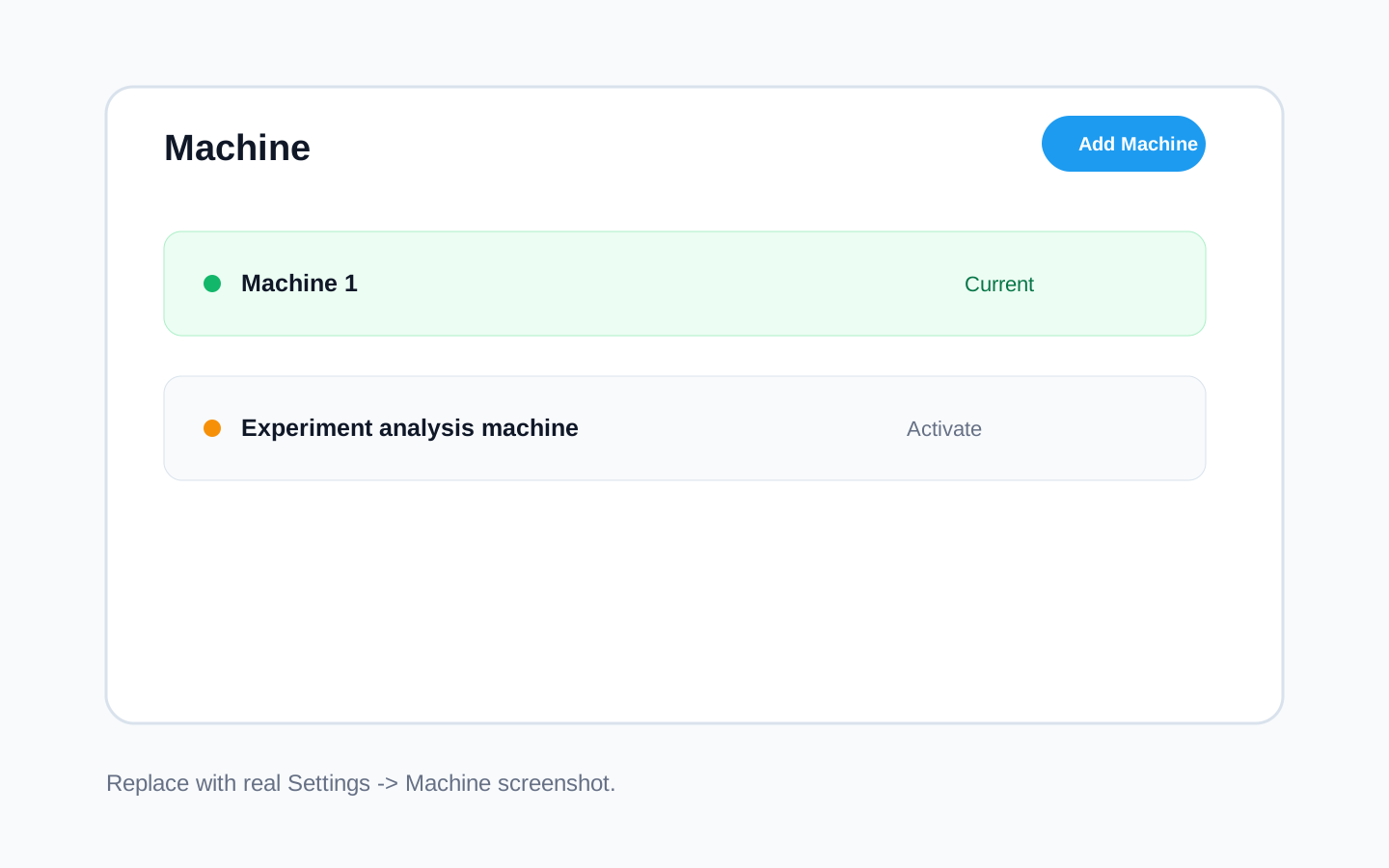
Image to add: a screenshot of Settings -> Machine showing the active hosted machine, the Add Machine button, the status indicator, and machine actions.
When to use hosted machines
Hosted machines are useful for:
- Starting from the browser.
- Running agent work without relying on your computer.
- Isolating agent work from your computer.
- Scheduling automations and webhook-triggered workflows.
- Keeping Files and Terminal attached to the same remote environment.
Hosted machines have their own filesystem and environment. They cannot see files on your laptop unless those files are uploaded, cloned, or otherwise made available to the machine.
Machine settings
Open Settings -> Machine to:
- Add a hosted machine.
- Activate a machine.
- Reconnect to the active machine.
- Update a hosted machine.
- Rename a hosted machine.
- Delete a hosted machine.
The active machine determines where chat tools, Terminal, Files, automations, and webhook-triggered work run.
Working with code and files
If you want the agent to inspect code, make the repo available to the hosted machine first. Common paths are:
- Connect GitHub.
- Clone the repository from Terminal.
- Upload specific files in the chat composer.
- Use webhooks or integrations to send files into the chat.
Then ask for the specific work:
Inspect the connected iOS repo and verify our Superwall SDK integration.For analysis workflows, make the business question explicit:
Analyze the latest experiment results and generate a weekly report.Data and privacy
Hosted machines store their own machine state in the hosted environment, while account state lives in the hosted control plane.
Do not assume a hosted machine has access to a file or secret on your laptop. Upload the file, connect the repository, or add the environment variable in Settings before asking the agent to use it.
How is this guide?