Terminal
Use the Superwall Agents terminal to run commands on the active hosted machine.
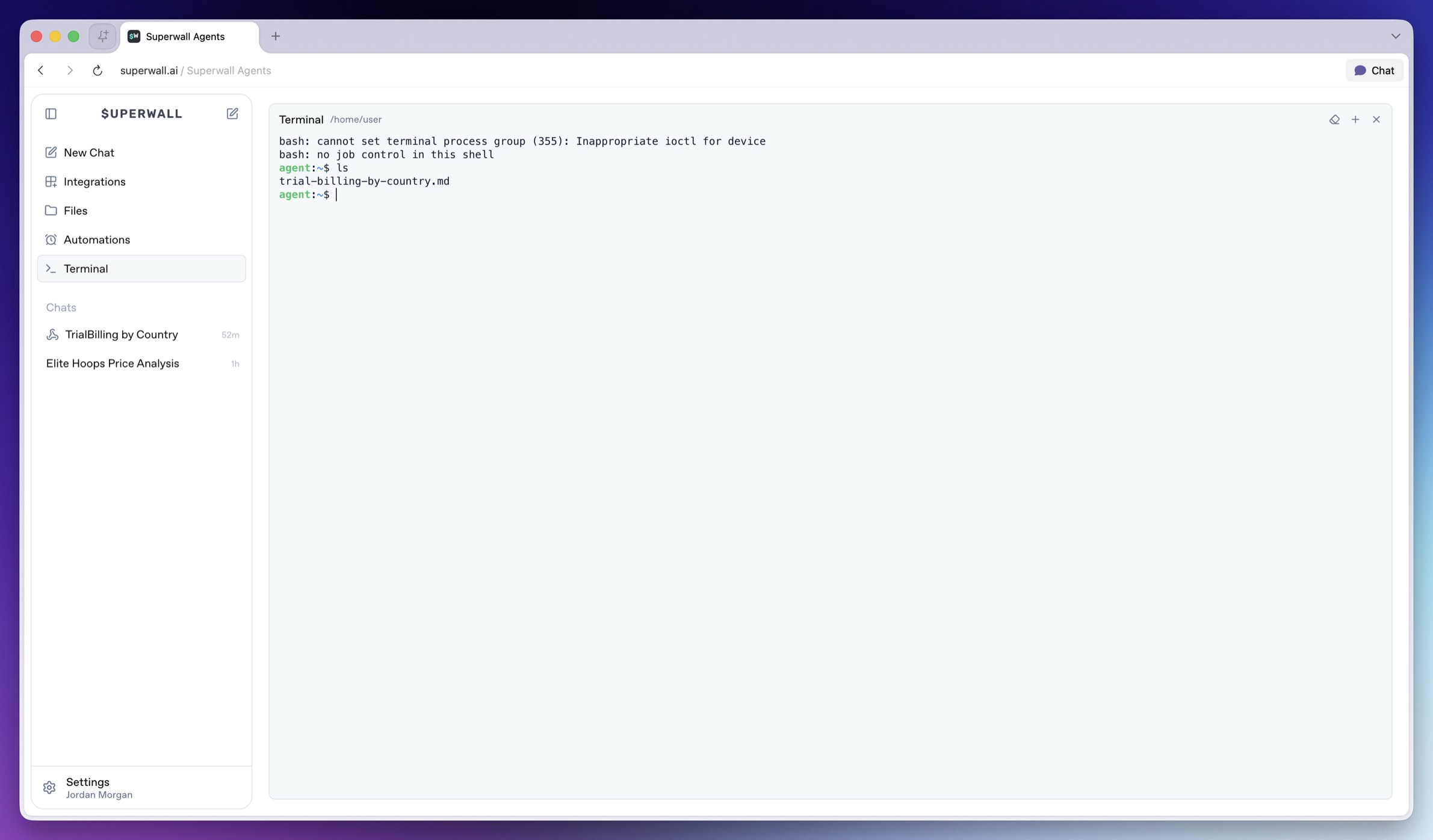
The Terminal page gives you a shell connected to the active hosted machine. Use it to inspect the environment, change into a repo, run commands, verify generated files, or debug files the agent can use.
How to use Terminal
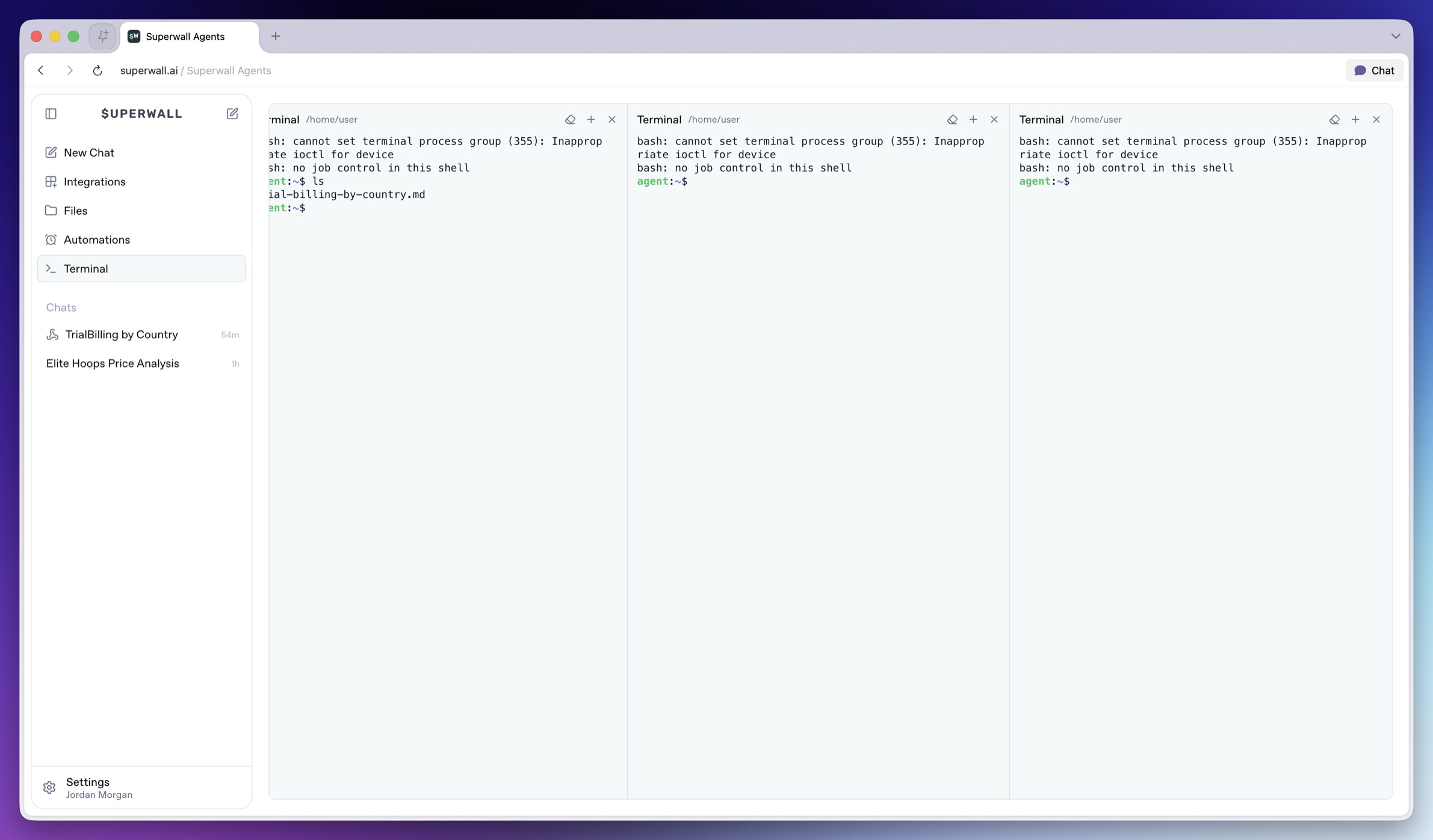
Use Terminal when you want direct control over the hosted machine. You can check or change the current directory, run commands the agent suggested, or debug environment variables, auth, or network access. The agent can also use shell tools during a chat. In addition, you can open multiple terminals at once:
Machine context
Commands run on the active hosted machine. The global Terminal page starts from the machine's home context. Use cd when you want to work inside a specific repository. Remember to work safely. The terminal is powerful because it can mutate files, start servers, install packages, and run project scripts.
Use it for verification and debugging, but be explicit when asking the agent to run destructive commands. If a command needs a secret, put the value in Settings -> Environment instead of pasting it into chat.
How is this guide?