AI Agent Plugins
Install the Superwall plugin in Claude, ChatGPT, or Codex to connect your agent to your Superwall account and add Superwall's skills in one step.
The Superwall plugin is the quickest way to use Superwall from an AI agent. It gives your agent two things:
- The Superwall MCP: a connector to your Superwall account. Your agent can inspect and manage apps, products, entitlements, campaigns, paywalls, users, webhooks, and events, query your analytics, and work with App Store Connect and Apple Search Ads. It signs in with your Superwall account and acts with your permissions.
- Superwall's skills: instructions that teach your agent how to integrate the SDK, use the Superwall CLI, and edit paywalls live.
Availability
| Client | Status |
|---|---|
| Claude | Available: the connector and the plugin are both in Claude's directories |
| ChatGPT | Available in ChatGPT's plugin directory |
| Codex | Available: the same plugin as ChatGPT, also in the Codex CLI |
| Cursor | Not listed yet |
Until the plugin is listed for your agent, you can get the same setup by installing the Superwall MCP and the skills separately.
Install in Claude
In Claude, Superwall comes in two parts: a connector, which is the MCP, and a companion plugin, which adds the skills.
1. Connect your account
- In Claude, open Settings › Connectors.
- Search for Superwall.
- Click Connect to Claude, then sign in to your Superwall account.
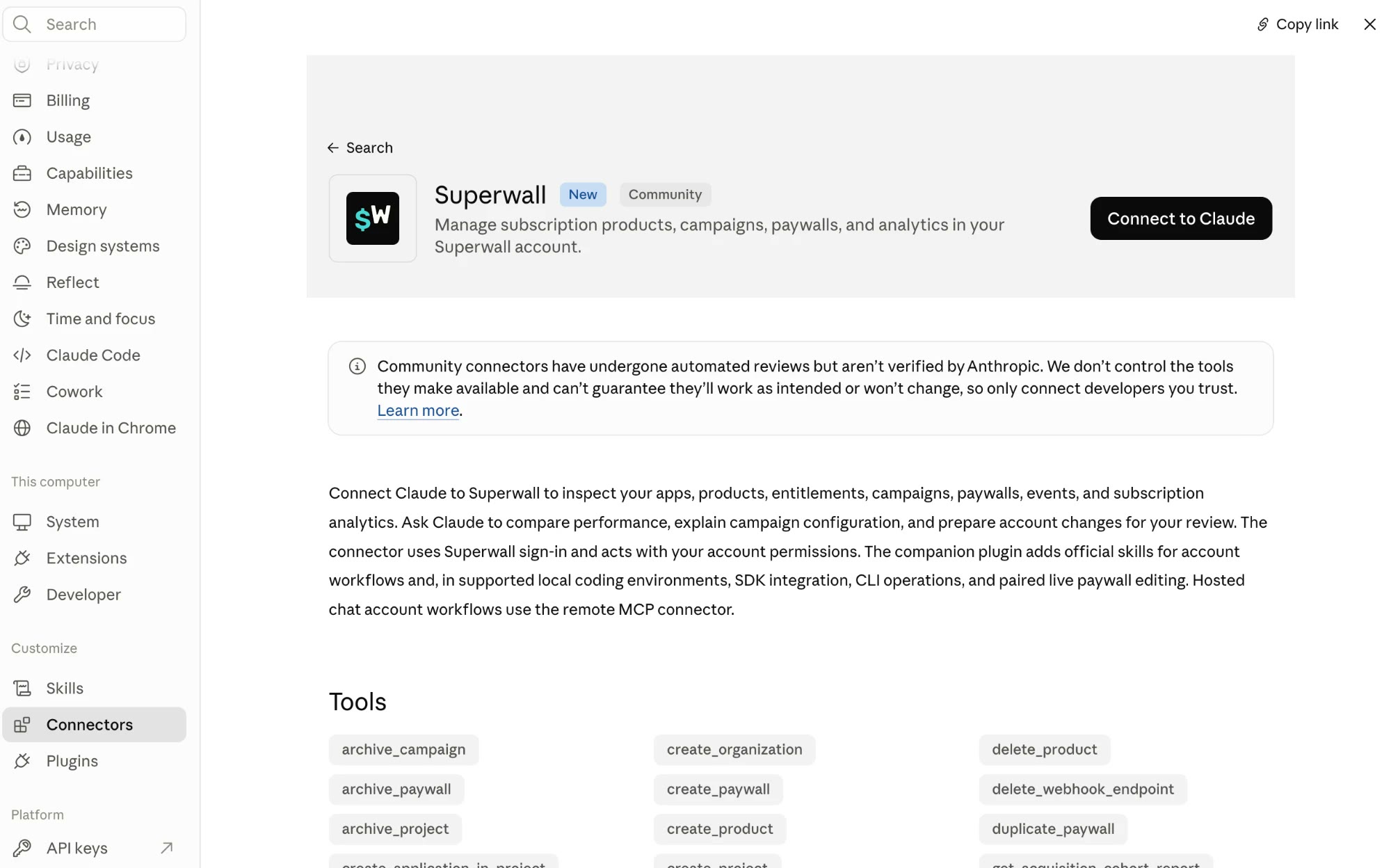
Claude lists Superwall as a Community connector. Superwall built it, and it passed Claude's automated review.
2. Add the skills
Open the Superwall plugin in Claude's plugin directory, under Customize › Plugins, and add it.
To check the connection, ask Claude something like "List my Superwall apps."
Install in ChatGPT and Codex
ChatGPT and Codex use the same app and the same plugin directory, so you install the Superwall plugin once. It includes the MCP and the superwall and superwall-editor skills. Plugins also work in the Codex CLI.
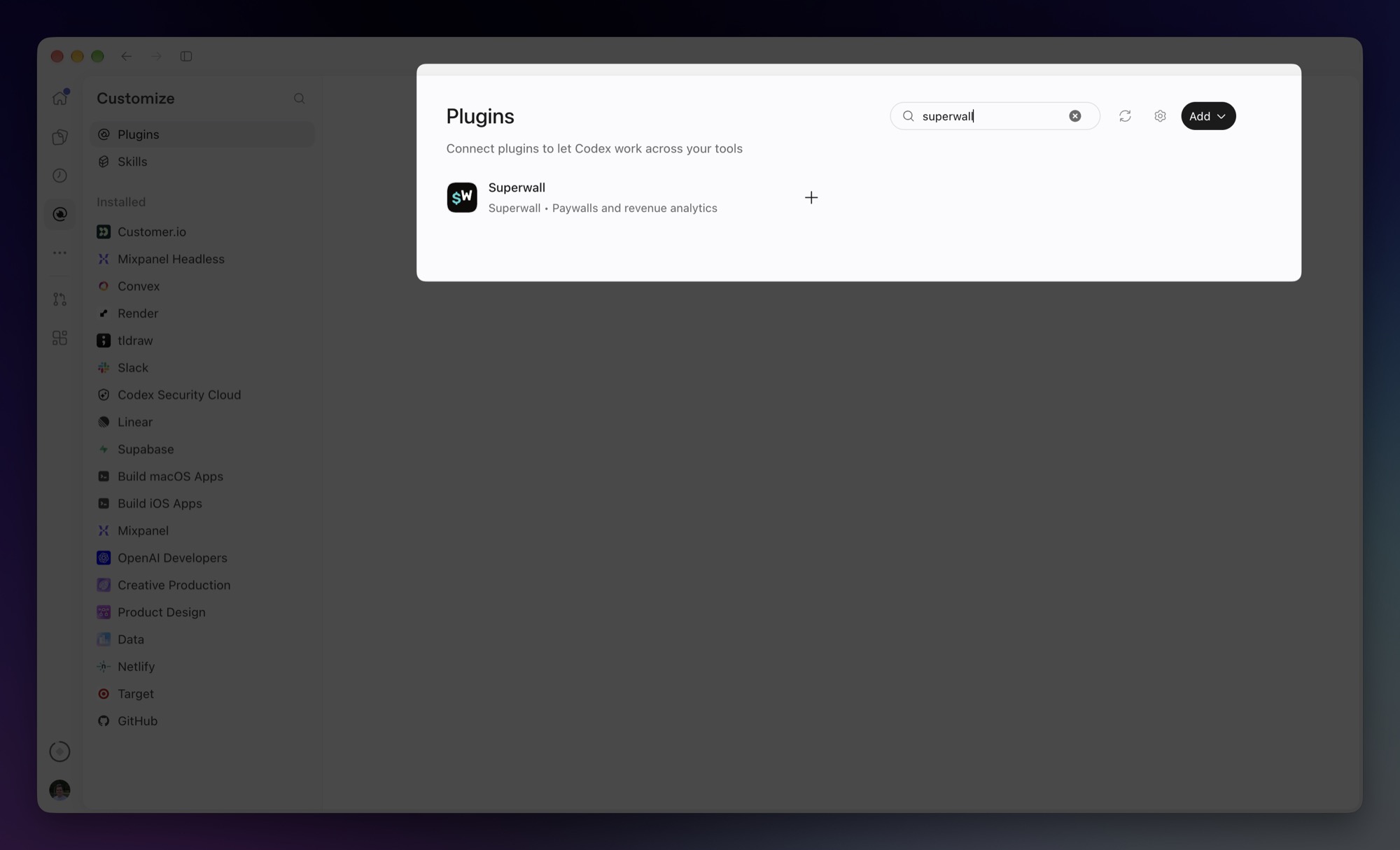
- Click Plugins in the sidebar.
- Search for Superwall, then click + to install it, or click the plugin to open its page first. Either way, sign in to your Superwall account when asked. You can also go straight to the Superwall plugin.
- On the plugin's page, click Install plugin. The page lists what the plugin includes: the Superwall app and the
superwallandsuperwall-editorskills.
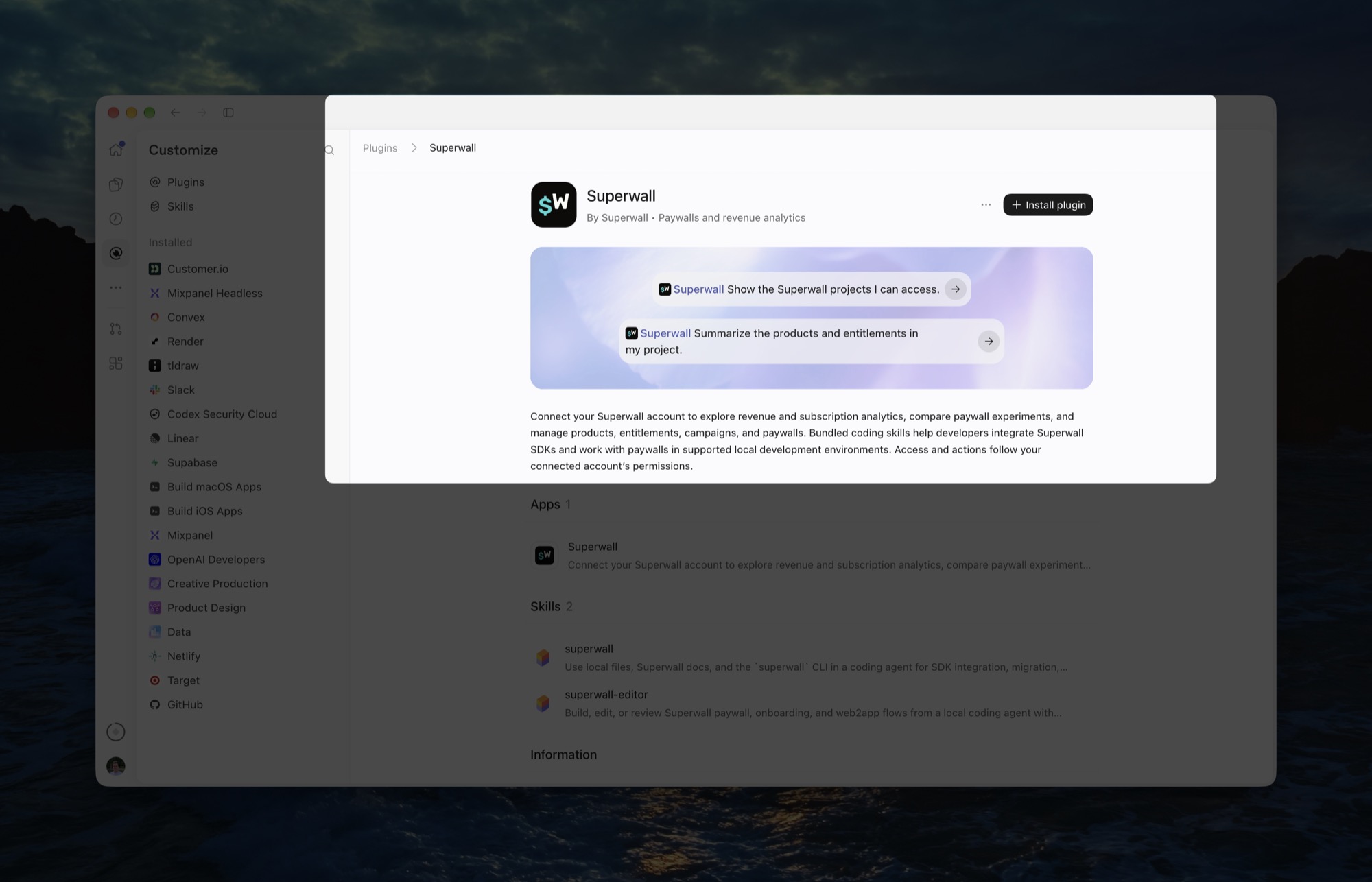
- Start a new chat, then ask something like "Show the Superwall projects I can access."
In the Codex CLI
- Run
codexin your terminal. - Enter
/plugins, find Superwall, and install it. - Start a new session. The skills load when a session starts.
What works where
The plugin behaves a little differently depending on where your agent runs:
| Where | What you get |
|---|---|
| Hosted chat, such as Claude on the web or in the desktop app, or ChatGPT | Account work through the MCP: inspecting your setup, comparing performance, explaining campaigns, and preparing changes for your review |
| A local coding agent, such as Claude Code or the Codex CLI | Everything above, plus SDK integration, CLI commands, and live paywall editing through the skills |
Work that needs your machine goes through the Superwall CLI instead of the MCP: setting up the SDK, building paywalls as code, and anything that signs in to Apple (see CLI-only commands). The plugin uses the CLI if it's installed, but never installs it for you. To set it up once:
npm install --global superwall
superwall login
Data and privacy
The MCP sends requests to Superwall on behalf of the signed-in user, using that user's permissions. The plugin has no background processes or automatic hooks. See the privacy policy and terms.
Related
- Superwall MCP: Install the MCP on its own, in any MCP-compatible client.
- Skills: Install the skills on their own.
- Superwall CLI: The command-line tool the skills use.
How is this guide?