Superwall AI
Ask questions about Superwall, your account, and your data with Superwall AI, the assistant built into the dashboard, the docs, and superwall.com.
Superwall AI is the assistant built into the dashboard. Ask it how anything in Superwall works, what's in your account, or what your data says, and it goes and finds out: it reads the docs, checks SDK source code, calls the Superwall API for your organization, and runs analytics queries, then answers with links so you can keep exploring.
It's also useful for more than troubleshooting: ask how a paywall is performing or where conversion dropped, and it will pull the data, chart it, and point out what stands out.
Superwall AI is different than Superwall Agents. This is built-in, with no setup or limits, and it's automatically aware of your context. You can use both services. Superwall Agents is great for more capabilities, while Superwall AI is perfect for in-context answers right in the moment.
Opening it
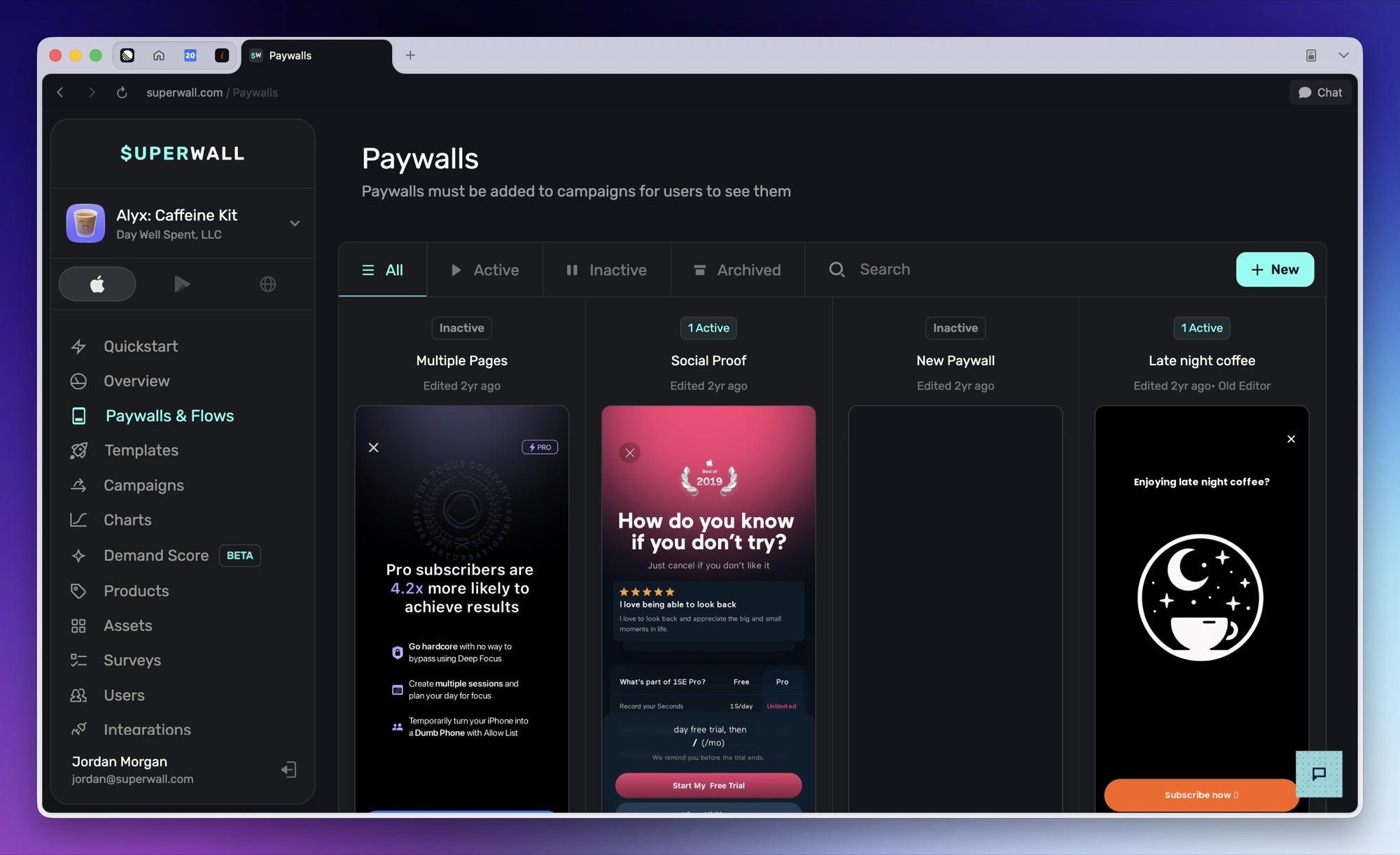
Click the chat bubble in the bottom-right corner of the dashboard:
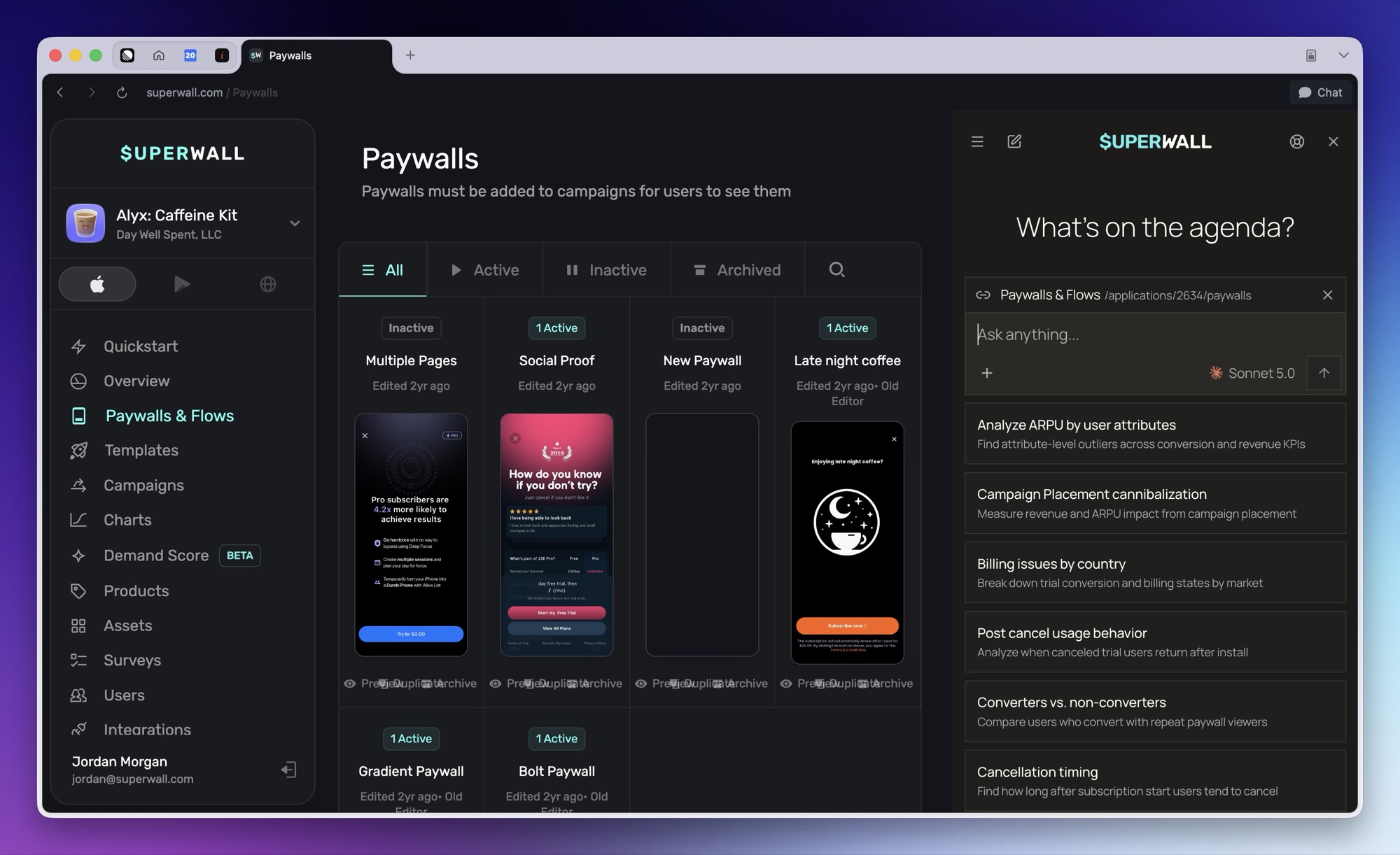
The assistant opens in a panel docked to the right, pushing the dashboard aside rather than covering it. Drag the panel's left edge to resize it; it stays with you as you move around the dashboard, and the ✕ in its top bar closes it.
What you can ask
- How Superwall works: Concepts, setup, best practices, and SDK behavior. Answers are grounded in the live docs and the SDK source code, and include links to the pages it used.
- Your account: Projects, apps, campaigns, paywalls, products, and entitlements. The assistant reads them through the Superwall API, scoped to your organization.
- Your data: Plain-English analytics questions. It writes and runs queries against your organization's analytics data, the same data behind Query ClickHouse. The suggested prompts in the panel are good starting points: ARPU by user attributes, cancellation timing, converters versus non-converters.
It can also link you directly to the right dashboard page, and search the web when a question needs outside information.
Page context
The chip above the composer shows the page you're currently viewing:
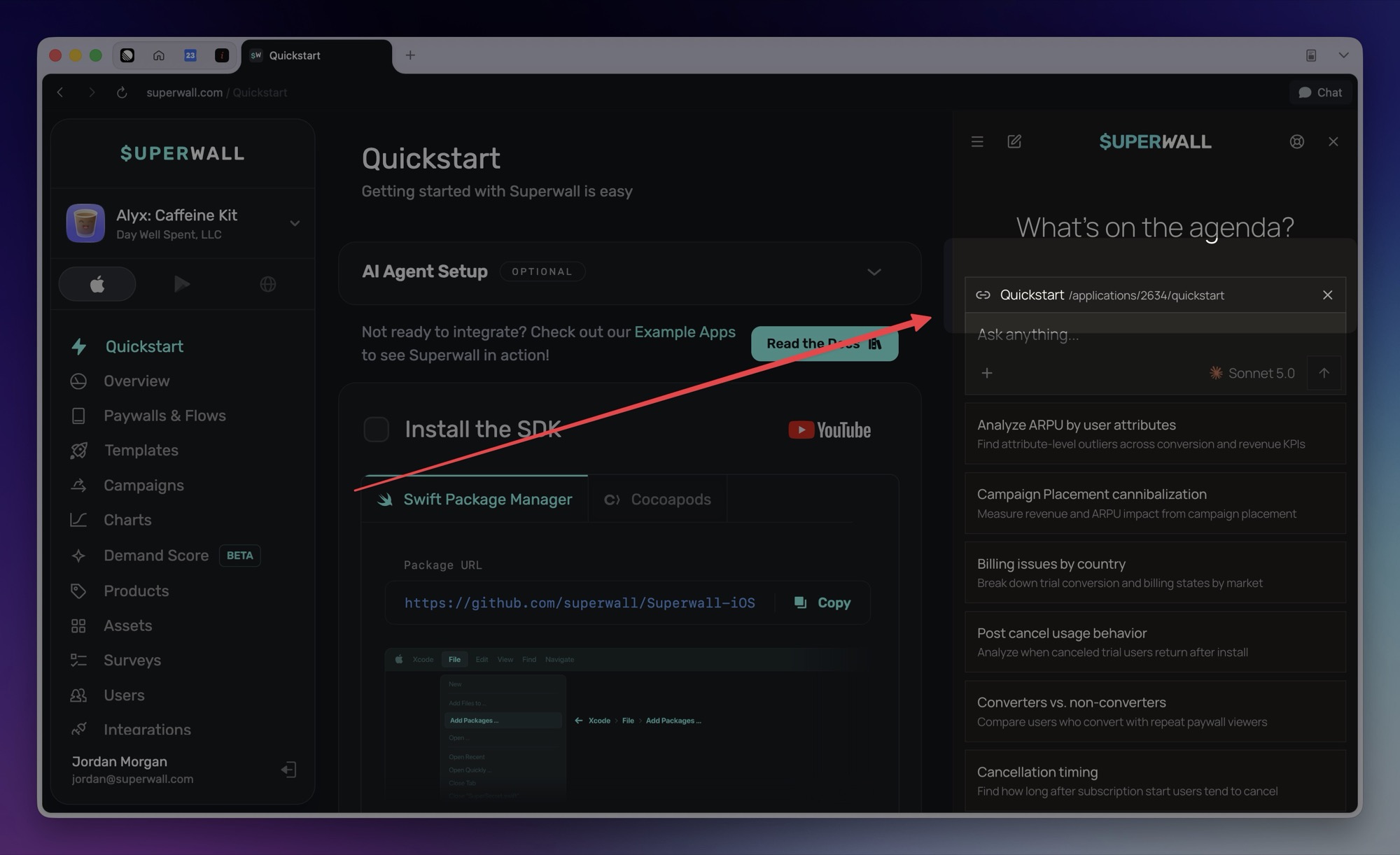
Move somewhere else, like Products & Entitlements, and notice the chip updates on its own. The assistant is always looking at what you're looking at:
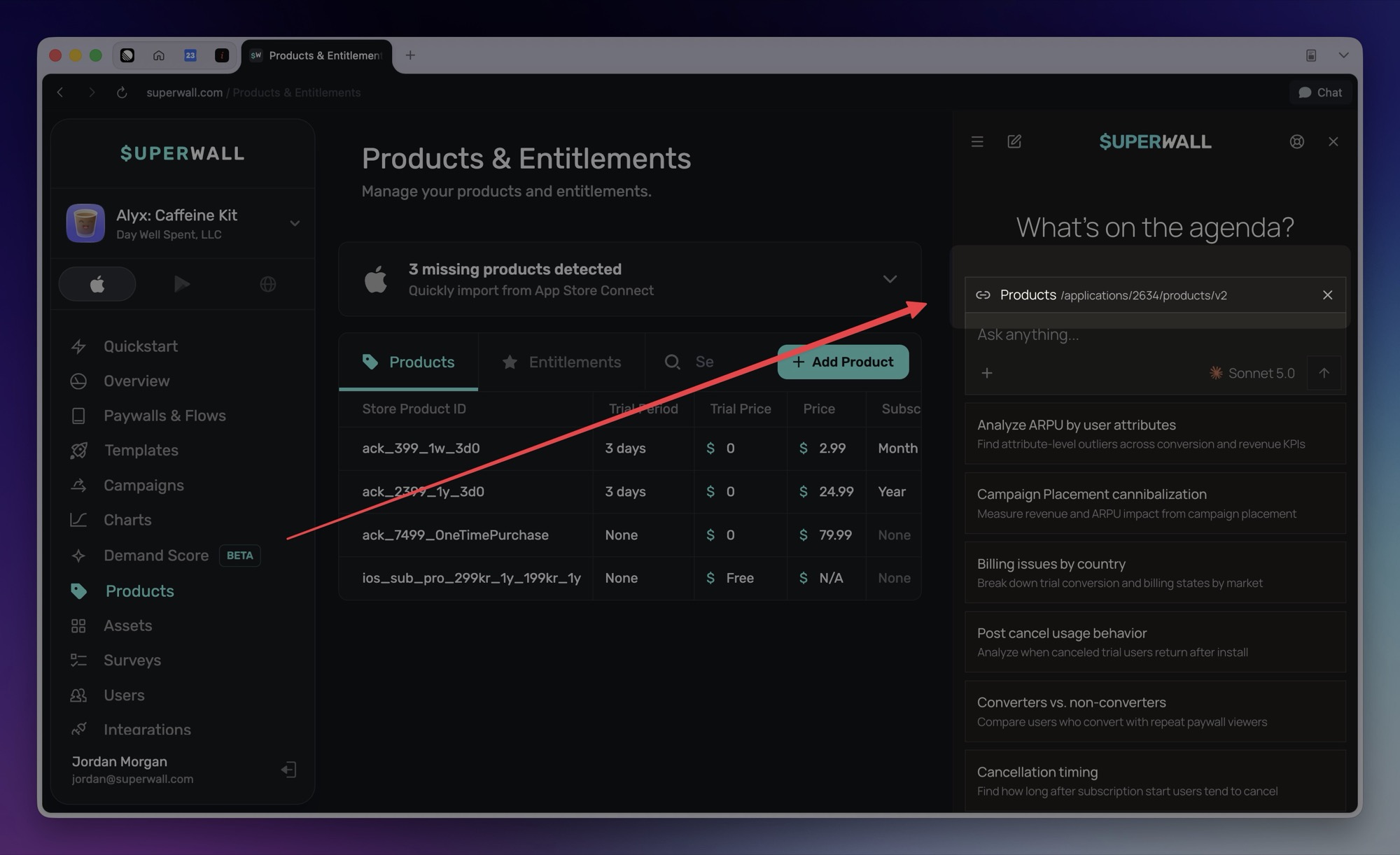
It uses that context to tailor answers to where you are, so "why is this empty?" means something. Remove the chip with its ✕ when you want a question answered without it. On the docs site it goes a step further and reads the content of the page you're viewing, so you can ask directly about whatever is on screen.
Choosing a model
The composer's model picker switches the underlying AI model: Sonnet is the default, with Opus, GPT, Grok, and Kimi available, plus a reasoning-effort setting for harder questions. Superwall keeps each option pointed at the latest version of that model family automatically.
Chats
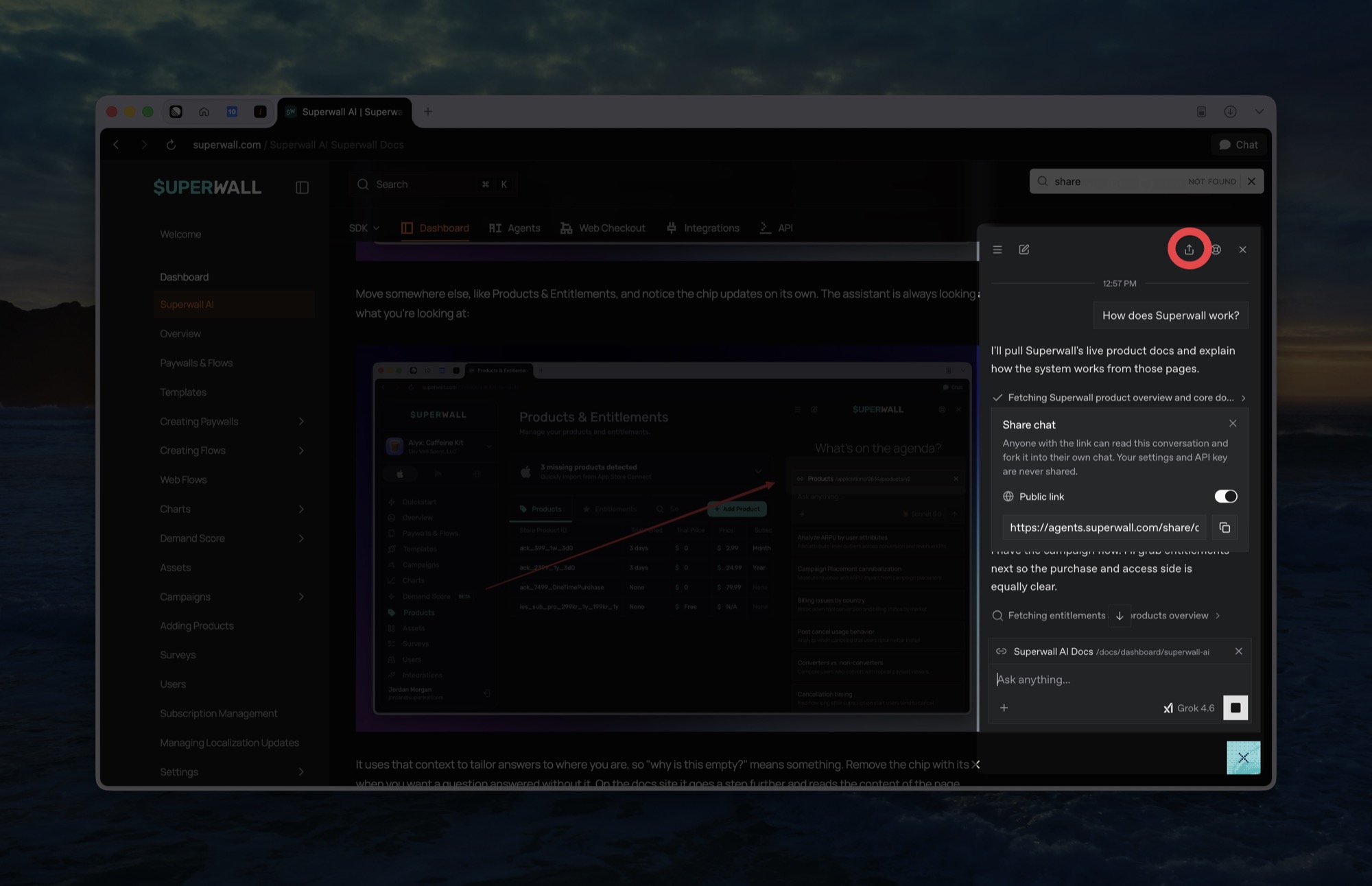
Conversations persist: reopen the panel and your last chat is right where you left it. The list icon in the top bar shows your chat history, and the pencil starts a fresh chat. Chats are private to you and stored per browser: teammates never see them, and a different browser or device starts with a fresh history.
You can also share conversations with colleagues. Click the share icon to generate a public link:
On the docs site and superwall.com
The same assistant is available outside the dashboard: the floating bubble in the bottom-right of the docs and superwall.com, and the Ask AI button in the docs search dialog, which hands your search straight to it. Outside the dashboard it answers Superwall questions from the docs and SDK source; connect from the dashboard when you want it working with your account and analytics data.
Related
- Superwall Agents: The separate superwall.ai workspace for hosted machines, automations, and webhook-driven work.
- Query ClickHouse: Direct SQL access to the same analytics data Superwall AI queries for you.
- Plugins: Give Claude, Codex, or Cursor the same Superwall knowledge and account access.
- Superwall MCP: Manage your account from MCP-compatible AI tools.
- Use Superwall with AI: Every AI tool for Superwall, and which one to pick.
How is this guide?