How do I disable the activation link email for web checkout?
Context
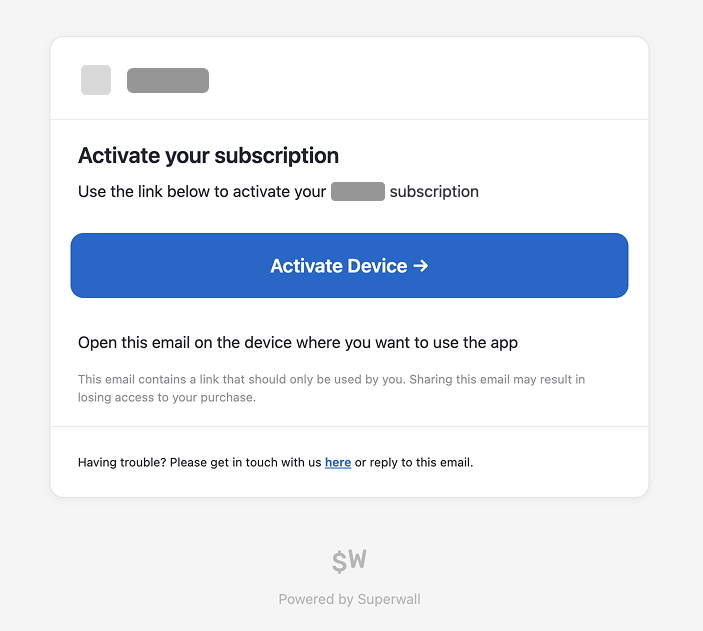
When using web checkout, customers receive an automated activation email from Superwall by default after checkout. It goes to the email entered at checkout, from Your app name <support+your-app-name@superwall.app>, with the subject Your activation link from your app name. This contains the redemption link that powers the web-to-app flow.
Answer
To disable the activation link emails, follow these steps:
-
Navigate to your Stripe app in the Superwall dashboard
-
Go to Settings / General
-
Locate the "Disable Superwall Emails" setting
-
Change the value from "false" to "true"
This setting will affect all automated emails sent by Superwall. Make sure this aligns with your desired user experience before making the change.
How is this guide?