Install the SDK
Install the Superwall Unity SDK beta through Unity Package Manager.
Overview
Install the Unity SDK from the Superwall-Unity GitHub repository. The beta package name is com.superwall.sdk.
Requirements
- Unity 6+ (
6000.4+) - iOS 16.0+
- Android
minSdkVersion25+ - CocoaPods installed locally for iOS builds
Add the Package
In Unity, open Window > Package Manager. Click +, choose Add package from git URL, then paste:
https://github.com/superwall/Superwall-Unity.git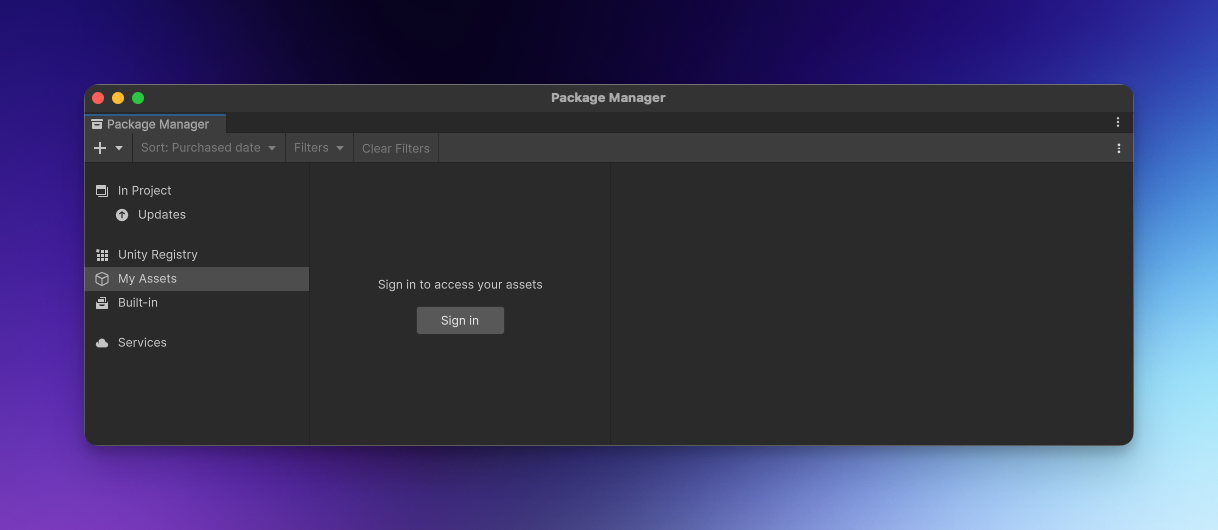
After Unity resolves the package, your scripts can import the SDK:
using Superwall;iOS Build Setup
The package includes an iOS post-build processor. When you build for iOS, it:
- Creates a
Podfileif the generated Xcode project does not have one. - Adds
pod 'SuperwallKit', '~> 4.0'to theUnityFrameworktarget. - Sets the iOS deployment target to
16.0. - Runs
pod installin the generated Xcode project directory.
If pod install fails, run it manually in the generated Xcode project folder and reopen the .xcworkspace.
If your Unity project already customizes the generated Podfile, make sure the UnityFramework
target includes the SuperwallKit pod.
Android Build Setup
No manual Android SDK setup is required for the default Unity Gradle export. The package includes a
Gradle .androidlib module that declares the Superwall paywall activities and pulls:
com.superwall.sdk:superwall-android:2.+- Google Play Billing
9.1.0(through the currently resolved Superwall Android SDK) - Material Components
1.12.0 - Kotlin coroutines for Android
1.9.0
The included Android manifest adds the internet, network state, notification, and Google Play Billing permissions, plus the Superwall paywall and debug activities.
If your project uses custom Gradle templates, keep google() and mavenCentral() enabled and do
not remove the generated Superwall .androidlib dependency.
The dynamic 2.+ Android dependency currently resolves to Superwall Android 2.8.0, which requires
minSdk 23 and upgrades Google Play Billing to 9.1.0. If your Unity project uses another billing
library, confirm that it supports Billing 9 before shipping. See the Android changelog
for migration guidance and a temporary Billing 8 workaround.
How is this guide?