3 Things Developers Should Know from WWDC 2026
Here's what to focus on this summer for your new iOS apps launching with iOS 27.

Now that the Superwall crew is back from W.W.D.C. 2026 and the dust has settled on the conference, I wanted to share my thoughts on what you should know, and more importantly, what you should focus on for your iOS apps this summer. With a firehose of information hitting developers each June, it can be stressful trying to figure out "Okay, now what?" I've been there time and time again.
After taking it all in, here's how I'm thinking about it. Here are the top three things on my end, post-W.W.D.C. 2026.
Need help catching up with WWDC 2026? Check out wwdc.ai to hook up an agent to a WWDC skill, use new frameworks, and search transcripts.
No surprise, a lot about A.I.
While many look forward to the keynote, the real nuggets of helpful information for developers is always found in The State of the Union, otherwise known as The SOTU. In fact, if you watch this less than five minute recap, you'll get a good feel for what you actually need to know.
There, a lot of ground was covered regarding AI advancements. Make no mistake, that was their main focus. For example, look no further than their "Highlights from WWDC 2026" page.
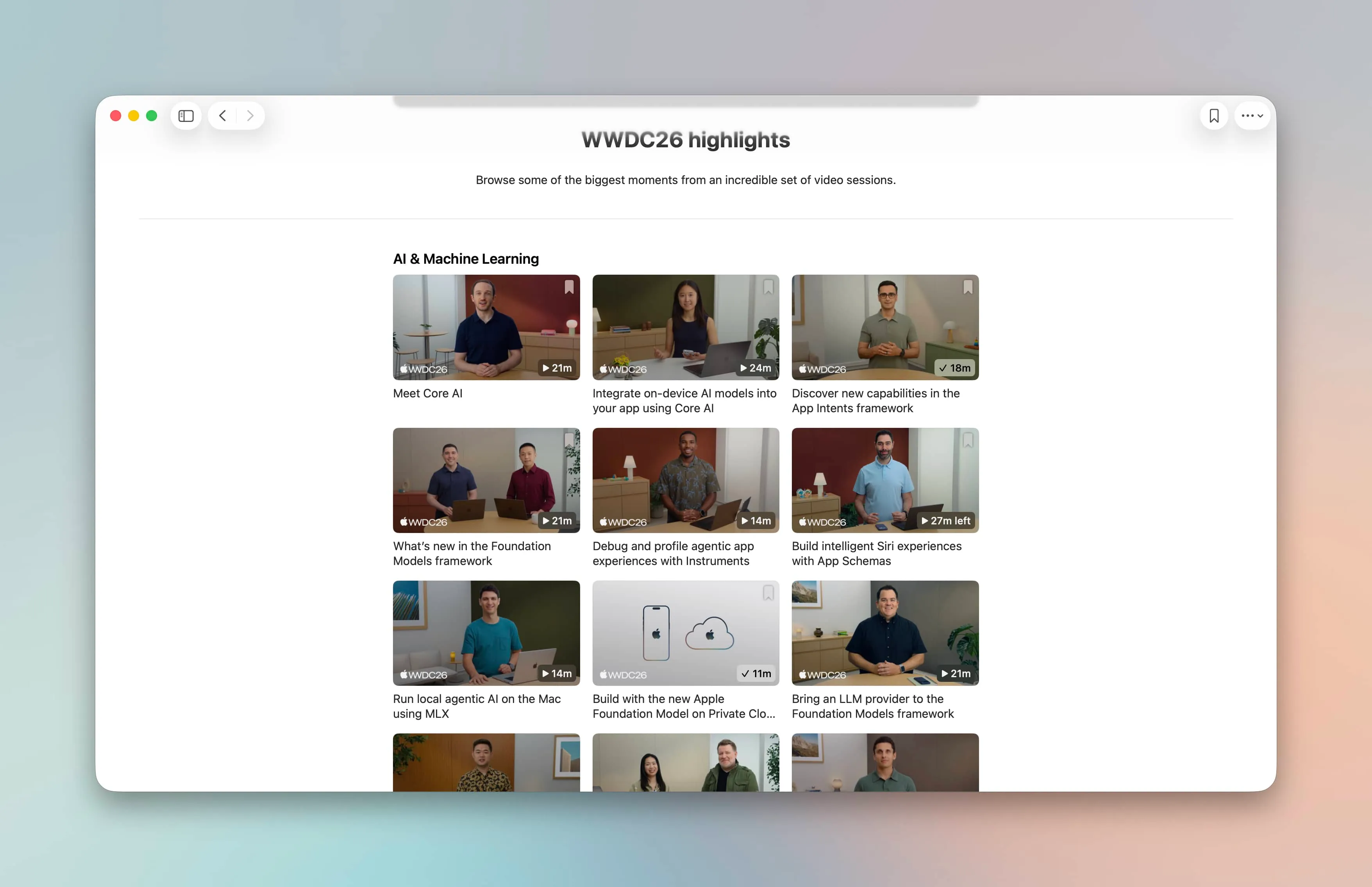
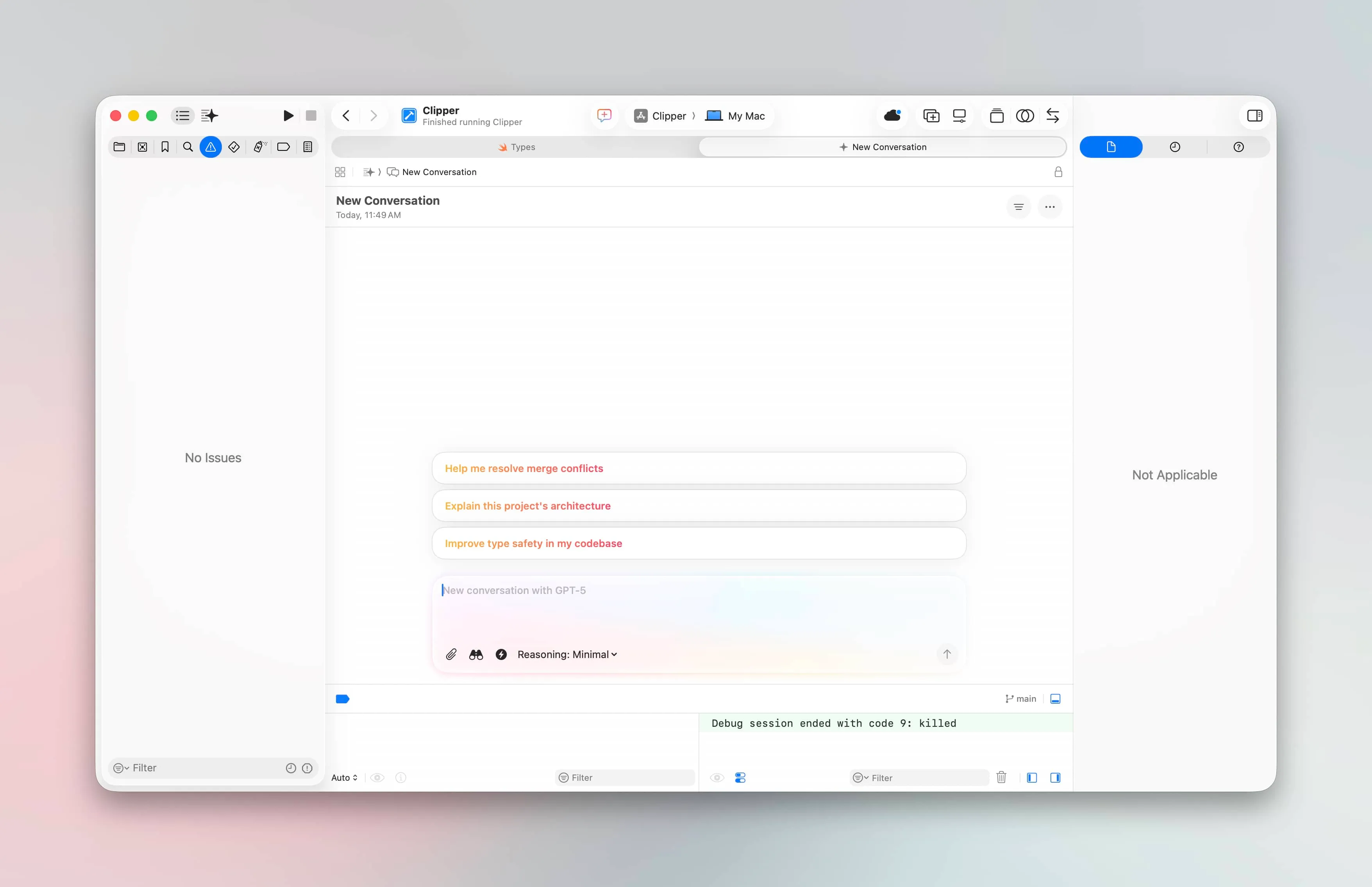
There is a big focus on delivering promises made about Siri, more frameworks around using any agent and model via Core AI, and Apple has (smartly!) acknowledged the lay of the land: many code with agents now. To that end, it was nice seeing that Xcode is largely "agent first" in many ways. Opening it gets you right into a chat interface with an agent, and I'm glad they are leaning into this new landscape.
Speaking of Siri, let's chat about the freshly revamped AI Assistant.
Siri AI and Domains
The promise of having Siri be a hands-off affair, and simply telling it to do what you want, is closer than ever. However, this post is what developers need to know, and the long story short is this: as far as I can tell, if your app fits into any of the built-in App Intent Domains, and one of their corresponding schemas and data models, then yeah - your app can do that too.
However, if they don't, then you can't correctly perform the import or
exports to hand off your app's data to other Siri processes. I could be
wrong here, but after tinkering and looking at the docs, I think that's how
iOS 27 is going to work. For example, if you can vend an IntentValueQuery, you can export a known data format to Siri:
struct ContactEntityQuery: IntentValueQuery {
    func values(for input: [IntentPerson]) async throws -> [ContactEntity] {
      let names = input.map(\.displayName)
      let descriptor = FetchDescriptor<Contact>()
      let contacts = try model.mainContext.fetch(descriptor)
      let matches = contacts.filter { contact in
          names.contains(where: { name in
              contact.name.localizedStandardContains(name)
          })
      }
      return matches.map(\.entity)
    }
}
For third party developers, try your best to hook into the domains and any
IntentValue model that correctly fits your app. Apple has done
the model training for you, so natural language queries should "just work".
But, what if you're not an app that fits into those boxes? No worries, you
can still make compelling Siri Shortcuts and actions using custom AppIntent flows. On top of that, there's also on-screen awareness, new this year. Check
out the app entity modifier:
struct MyPractices: View {
    let practices: [Practice]

    var body: some View {
        ForEach(practices) { p in
            PracticeView(practice: p)
                .appEntityIdentifier(
                      EntityIdentifier(
                          for: PracticeEntity.self,
                          identifier: p.id
                      )
                )
        }
    }
}
This one is fun, because by giving Siri context of what's on screen, you can open up interesting support for any app. For example, in my basketball app Elite Hoops, I use it to describe basketball plays in a coach's playbook. Then, coaches can ask questions like "Hey Siri, what play would work well for a team of quick guards without a big?" - and they'd get results back of plays that fit the bill.
Everyone can take advantage of that API, and they should.
| Your app | What Siri can do | What to build |
|---|---|---|
| Fits a built-in App Intent Domain | Data I/O and natural language queries should just work | An IntentValueQuery, and the matching IntentValue data models, App Intent Schema Conformance |
| Does not fit a domain | Custom Siri Shortcuts, actions, and on-screen awareness | Custom AppIntent flows and corresponding AppEntity Models |
If you need a refresher on some of these concepts, I wrote an in-depth look at the pieces of it last year.
Private cloud compute
Foundation Models got quite a big upgrade. The on-device model has improved, and it's now multimodal. That means you can pass it images now, which was a big omission I noticed last year. The real news? We can tap into Apple's private cloud compute model, which is smarter, has a larger context window, and can perform more complex tasks:
import FoundationModels

struct ArticleSummarizationView: View {
    // The new server-based model
    private var model = PrivateCloudComputeLanguageModel()

    var body: some View {
        if model.isAvailable {
            // Show UI for making request
        } else {
            // Fall back
        }
    }
}
The catch?
As of today, it's only available for developers who are in the small business program and are at less than 2,000,000 downloads. Maybe those restrictions will change, who knows, but if you're starting out, Apple is basically handing you a capable model free of charge. So, take advantage! However, you need to apply for the entitlement, but it's easy and you can do so right there.
Final thoughts
Dub dub, as it's known, is one of my favorite times of the year. While it can be a full-time job taking in all of the new information, it's also a ton of fun. Each summer, I dig into the new APIs and try to get my apps ready for the following iOS release. Now? That's easier than it's ever been with agents, so knowing what to focus on is the key.

PS - most of us from Superwall were on-site for the conference. One of the best parts of the week, for us, was meeting some of you in person. If you'll be there next time, reach out to us from any social channel. We'd love to meet up with you in person!
FAQ
- What should iOS developers focus on after WWDC 2026?
- My post highlights three areas. First, Apple's AI direction, including Core AI for using any agent and model, plus an agent-first Xcode. Second, Siri's new App Intent Domains and on-screen awareness. Third, the upgraded multimodal Foundation Models and optional access to Private Cloud Compute.
- Do I need to use App Intent Domains for my app to work with the new Siri?
- If your app fits a built-in App Intent Domain and its matching schemas and data models, you can import and export data so natural language queries should just work, because Apple has done the model training. If your app does not fit a domain, you cannot perform those imports or exports, but you can still build custom AppIntent flows, Siri Shortcuts, and actions. Choose based on whether a domain matches what your app actually does.
- What is on-screen awareness in iOS 27, and how do I add it?
- On-screen awareness is new this year and lets you give Siri context about what a user is currently viewing. You add it with the app entity identifier modifier on your SwiftUI views, which ties on-screen items to your app entities. For example, Elite Hoops uses it so coaches can ask Siri which play fits a situation and get matching plays back.
- Which developers can use Apple's Private Cloud Compute model?
- As of today, it is available to developers in the small business program who are under 2,000,000 downloads. The model is smarter than the on-device option, has a larger context window, and can handle more complex tasks. You need to apply for the entitlement first, and the restrictions could change later.
- What changed with Apple's Foundation Models at WWDC 2026?
- The on-device model improved and is now multimodal, so you can pass it images, which was a gap the author noticed last year. You can also tap Apple's Private Cloud Compute model for smarter, larger-context work when you are eligible. Together these give you both a local option and a more capable server option.