Introducing the Revamped Superwall iOS App
MRR and ARR widgets, user transaction data, and every single chart — now in your pocket.

Version two of the official Superwall iOS app is out today. Grab it here.
Here's what's new.
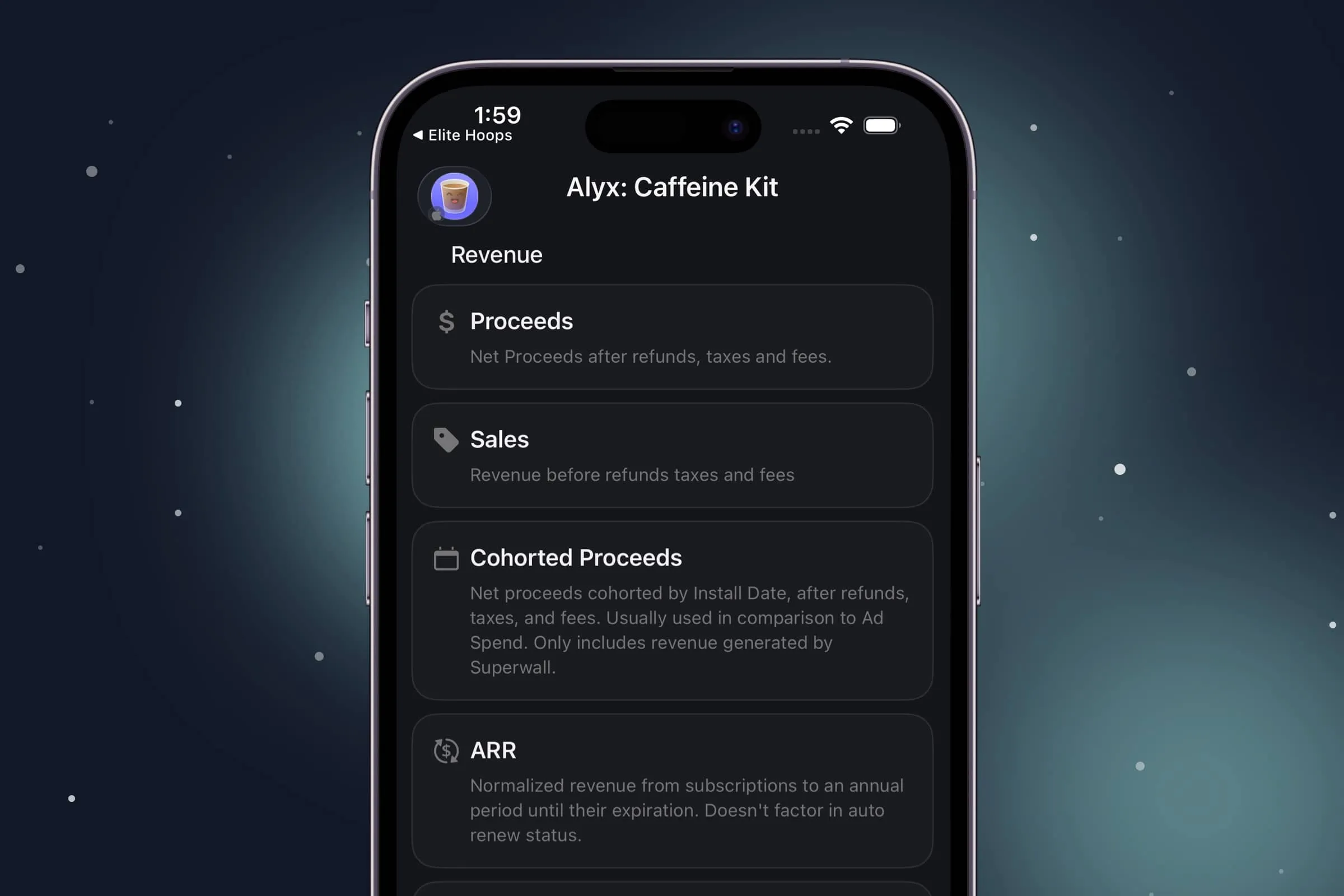
Charts
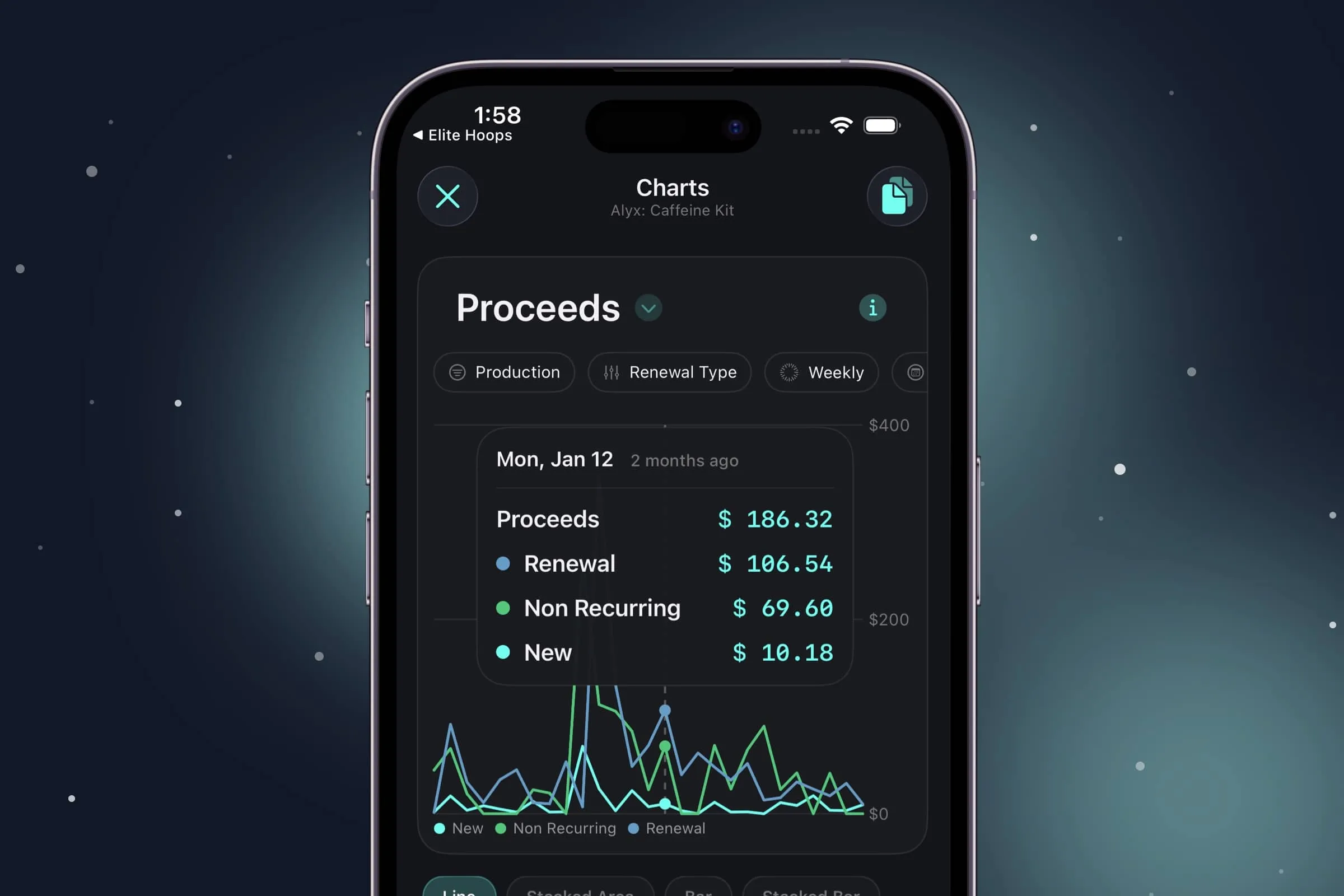
All 20+ Superwall charts are now in the iOS app. Tap any of them to bring up the chart, toggle dates, apply filters, breakdowns, and more. Scrub your finger across any chart to see detailed data for each point.
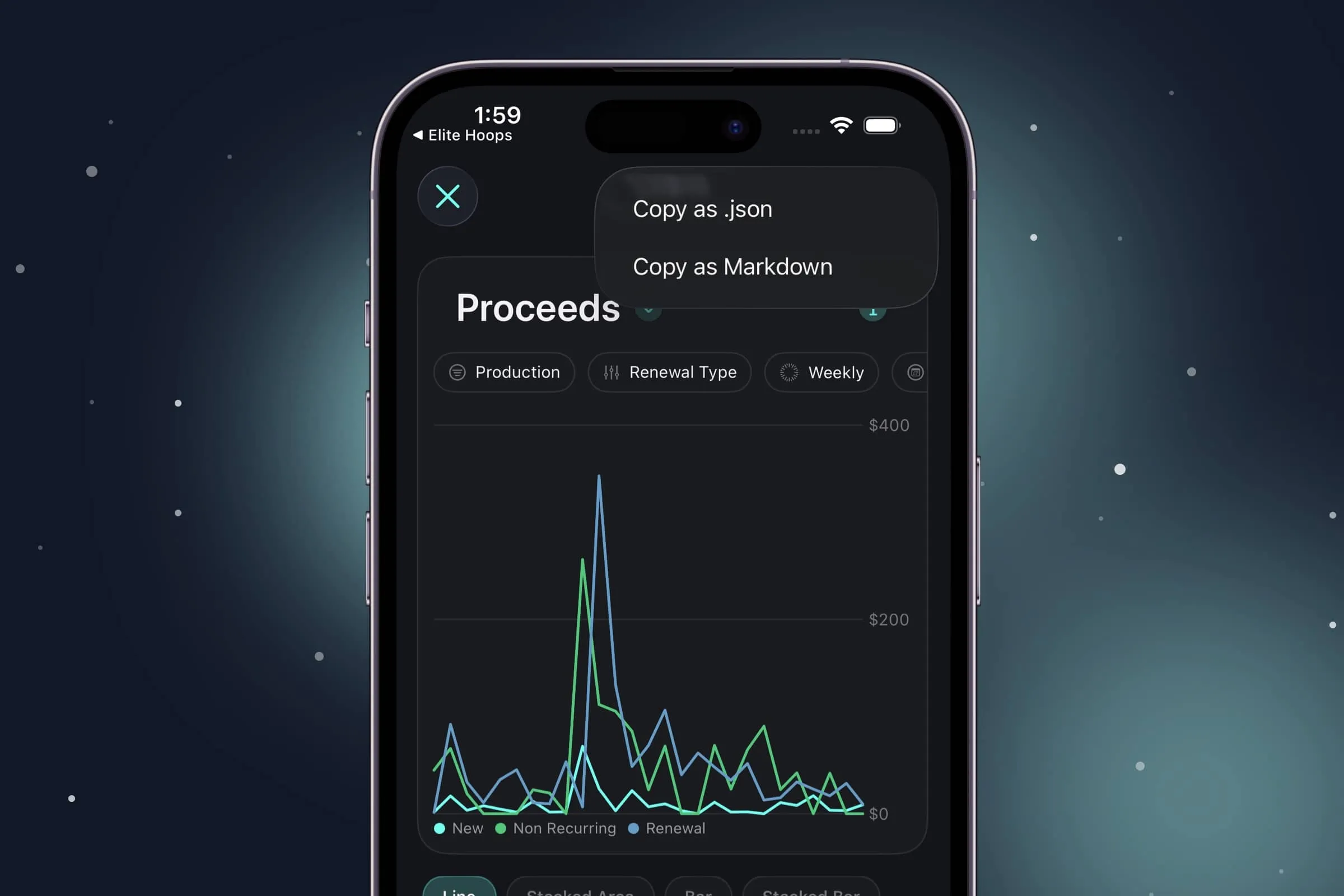
If you're piping data into Claude or ChatGPT, there's now a one-tap export to JSON or Markdown so you can hand it straight to your agent.
New widgets
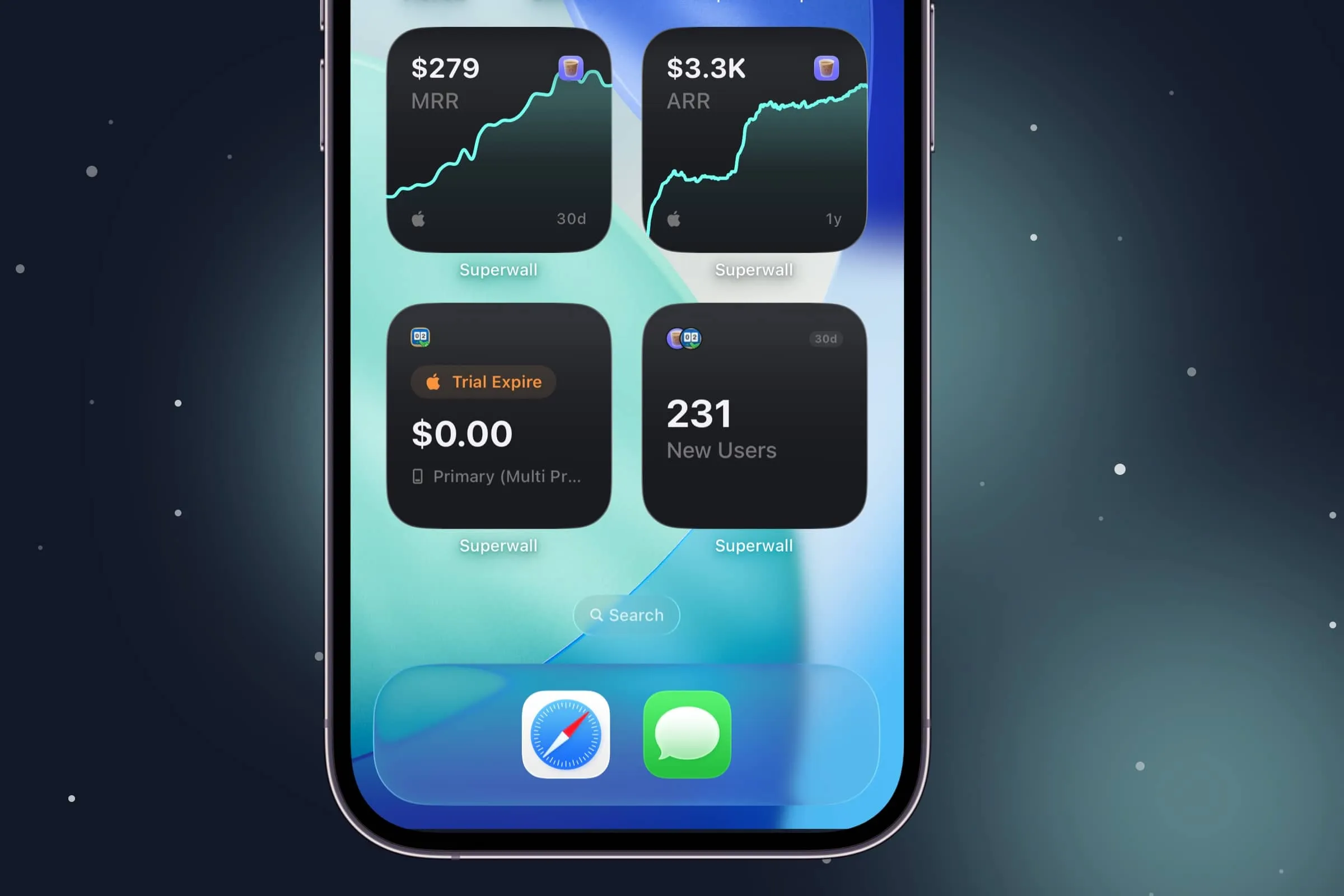
Alongside the existing performance widgets, you can now glance at MRR and ARR from your home screen. There's also a new Recent Transaction widget that always shows the latest transaction for whichever app you pick.
Unified transactions view
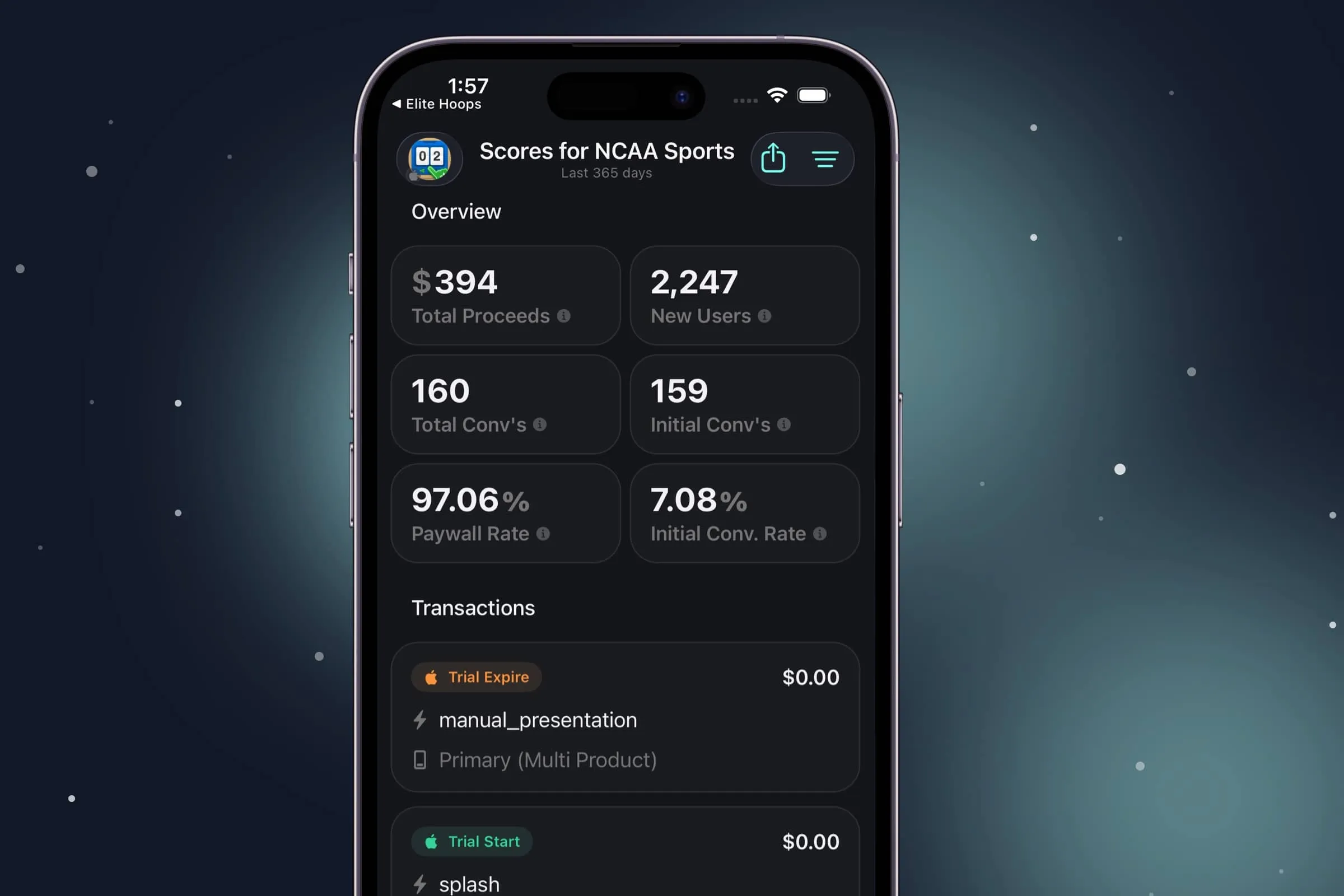
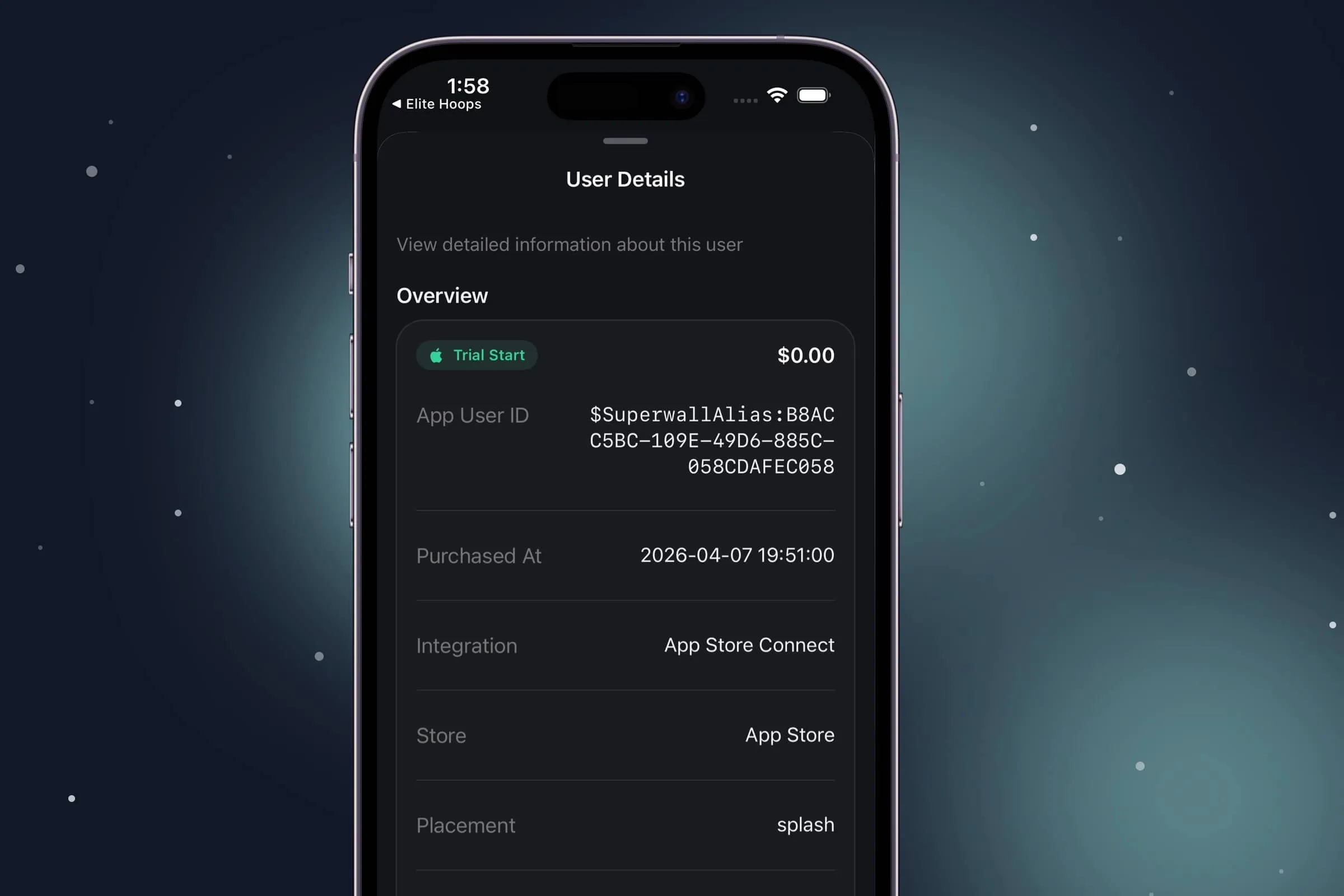
Overview and transactions used to live in separate places, which never quite made sense. They're now in one spot, so you can see everything about an app together. Tap any transaction for a detailed breakdown, complete with SDK events, purchase information, and more.
Wrapping up
The Superwall iOS app is one of my personal projects here, and there's a lot more coming. If you have feature requests, bug reports, or thoughts on it, reach out to me on X or open a support ticket.
Enjoy the update, and if you missed the link above, you can download it right here.
FAQ
- What is new in version two of the Superwall iOS app?
- Version two adds all 20+ Superwall charts, chart detail views, chart data export, MRR and ARR widgets, a Recent Transaction widget, and a unified transactions view. The update makes it easier to check revenue, subscriber, and transaction data from your iPhone.
- Can I view Superwall charts in the iOS app?
- Yes. All 20+ Superwall charts are now available in the iOS app. You can open a chart, change dates, apply filters and breakdowns, and scrub across the chart to inspect individual data points.
- Can I export chart data from the Superwall iOS app?
- Yes. The app includes a one-tap export for chart data in JSON or Markdown. That makes it easier to send chart context to Claude, ChatGPT, or another agent for analysis.
- Which widgets are available in the updated Superwall iOS app?
- The update adds MRR and ARR widgets alongside the existing performance widgets. It also adds a Recent Transaction widget that shows the latest transaction for the app you choose.
- What is the unified transactions view?
- The unified transactions view brings overview and transaction details into one place. You can see app-level information, then tap into a specific transaction for purchase details, SDK events, and related customer data.
- Where can I download the Superwall iOS app?
- You can download the official Superwall iOS app from the App Store. The post links directly to the app, and existing Superwall customers can use it to monitor their apps from their iPhone.