Meet wwdc.ai: AI Summaries for Every WWDC 2026 Session
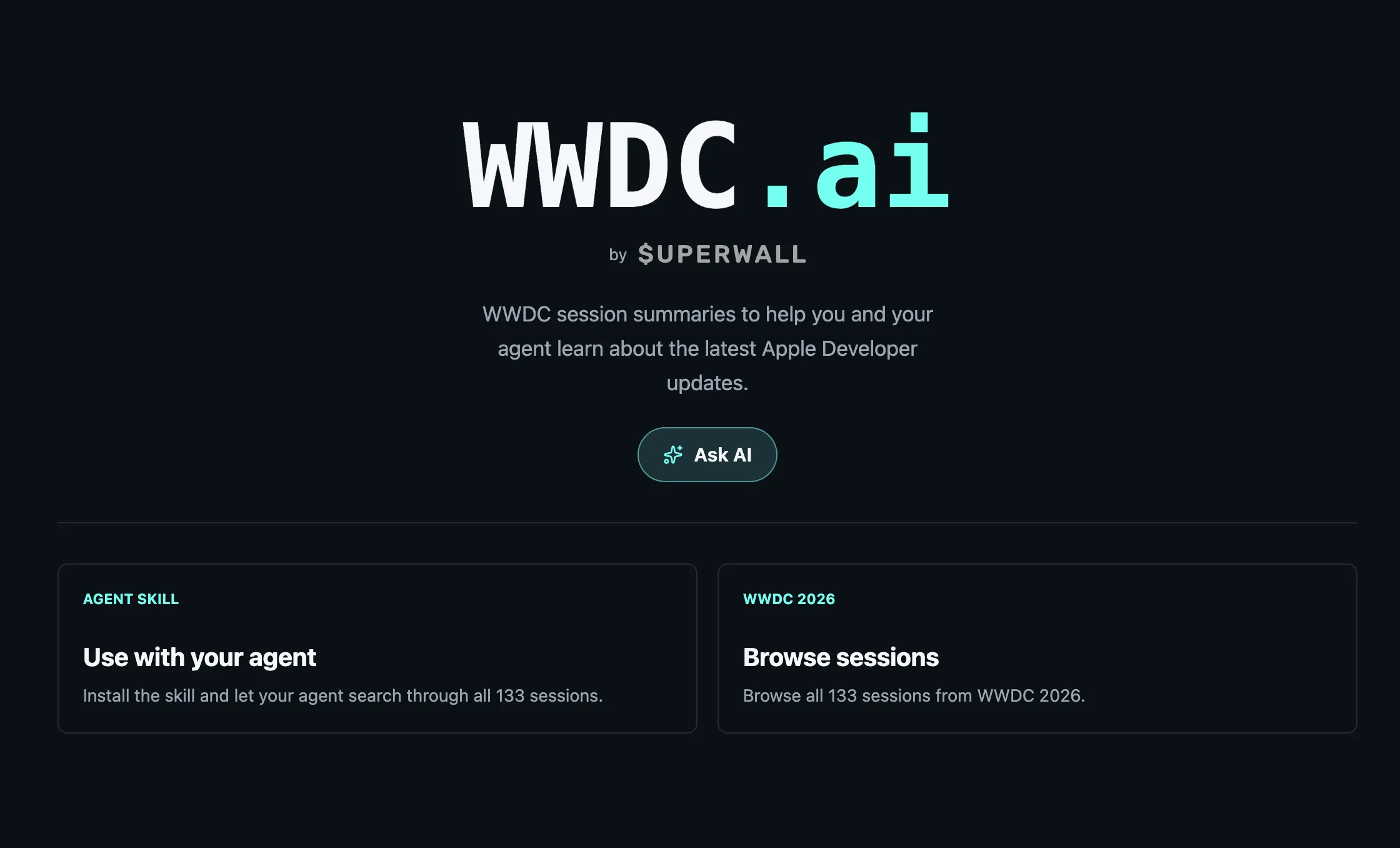
A free, searchable site with unofficial AI summaries of every WWDC 2026 session — no login required.

Apple ships its entire year of platform announcements in a single week. Swift, SwiftUI, StoreKit, Apple Intelligence, design, privacy, spatial computing — all at once, spread across dozens of sessions. Most teams watch the keynote and a handful of sessions directly relevant to their stack. Everything else goes unwatched. For a subscription app, that means missing new cancellation retention tools, changes to how annual subscriptions work in StoreKit, or what Apple actually clarified about external checkout. These are things that affect revenue and roadmap decisions, buried in sessions most people never get to.
wwdc.ai is the fix.
The actual problem with WWDC
Apple published 114 sessions at WWDC 2026. Watching them in full would take roughly 50 hours.
The keynote is about two hours. Platforms State of the Union adds another hour. Most developers watch those and maybe three or four sessions directly relevant to their project. The other hundred go unwatched.
The sessions that go unwatched are the ones that change something:
- Session 309 — Apple's new Retention Messaging API: a tool that lets subscription apps surface a retention message on the iOS cancellation screen, configured from App Store Connect
- Session 210 — New monthly annual-commitment subscription type in StoreKit, with updated offer code redemption flows
- Session 205 — New App Store product page image and video placements, new asset library, changes to preview workflows
- Session 347 — Security guidance for agentic app features: how to threat-model Apple Intelligence integrations and prevent prompt injection
These sessions don't make the keynote recap. They're announced in 20-minute breakouts that most teams never watch. They matter.
How to use wwdc.ai
Go to wwdc.ai. Search for anything Apple touched this year.
Marketers
Search "App Store" or "subscription." Find Apple's new product page placements, the cancellation retention tools, and volume pricing for teams. Forward the session summary to whoever owns your ASO or growth strategy — it's faster than asking them to watch a 20-minute session.
Product managers
Search "Apple Intelligence" for a full briefing, ready to paste into a roadmap doc. Or drop the URL into Claude and ask: "What should we prioritize for iOS 27 support?" The site is structured for AI tools to read. More on that below.
Developers
Search "StoreKit" or "SwiftUI" to see what changed and what your app needs to update. Each session summary links back to the original Apple content if you want the full video or transcript.
Built for AI agents
Every session is also available as a plain Markdown file. Append
.md to any session URL, for example
wwdc.ai/2026/389.md, and you get a clean, agent-readable
summary with the Apple session link, related sessions, and useful
resources.
If you're using Claude Code, Cursor, or any MCP-compatible tool, install the WWDC skill and query session content directly from your editor:
npx skills add https://github.com/superwall/skills --skill wwdc --global --agent claude-code universal
Once installed, your agent can answer questions about anything Apple
announced this week. It reads from the full session index at
wwdc.ai/llms.txt.
For teams already using the Superwall MCP or Superwall Skill in their editor — wwdc.ai works the same way and can be used alongside them.
FAQ
- Are the WWDC session summaries on wwdc.ai official Apple content?
- No. wwdc.ai is an unofficial site built by Superwall. Summaries are AI-generated from publicly available WWDC session content. For original video, transcripts, and official downloads, use the Apple Developer app or developer.apple.com.
- How many WWDC 2026 sessions does wwdc.ai cover?
- All 114 WWDC 2026 sessions across Apple's 18 categories, including Swift, SwiftUI, Apple Intelligence, App Store and marketing, design, StoreKit, privacy, and more.
- How do I use wwdc.ai with AI coding tools like Claude or Cursor?
- Every session is available as a plain Markdown file: append .md to any session URL to get an agent-readable summary. Claude Code and Cursor users can also install the WWDC skill with `npx skills add https://github.com/superwall/skills --skill wwdc --global --agent claude-code universal` to query session content directly in their editor.
- Is wwdc.ai updated as new sessions are published?
- Sessions are summarized as Apple publishes them during WWDC week. If a session was released in the last few hours, allow a short window for it to process and appear on the site.
- Which WWDC 2026 sessions matter most for subscription app teams?
- Session 309 covers Apple's new Retention Messaging API for subscription cancellation flows. Session 210 introduces monthly annual-commitment subscriptions in StoreKit. Session 205 covers new App Store product page placements. All three are summarized and searchable on wwdc.ai.