Observer Mode
Report StoreKit purchases made outside Superwall on iOS with observer mode, so the transactions show up in your dashboard. Covers StoreKit 1 and 2.
If you wish to make purchases outside of Superwall's SDK and paywalls, you can use observer mode to report purchases that will appear in the Superwall dashboard, such as transactions:
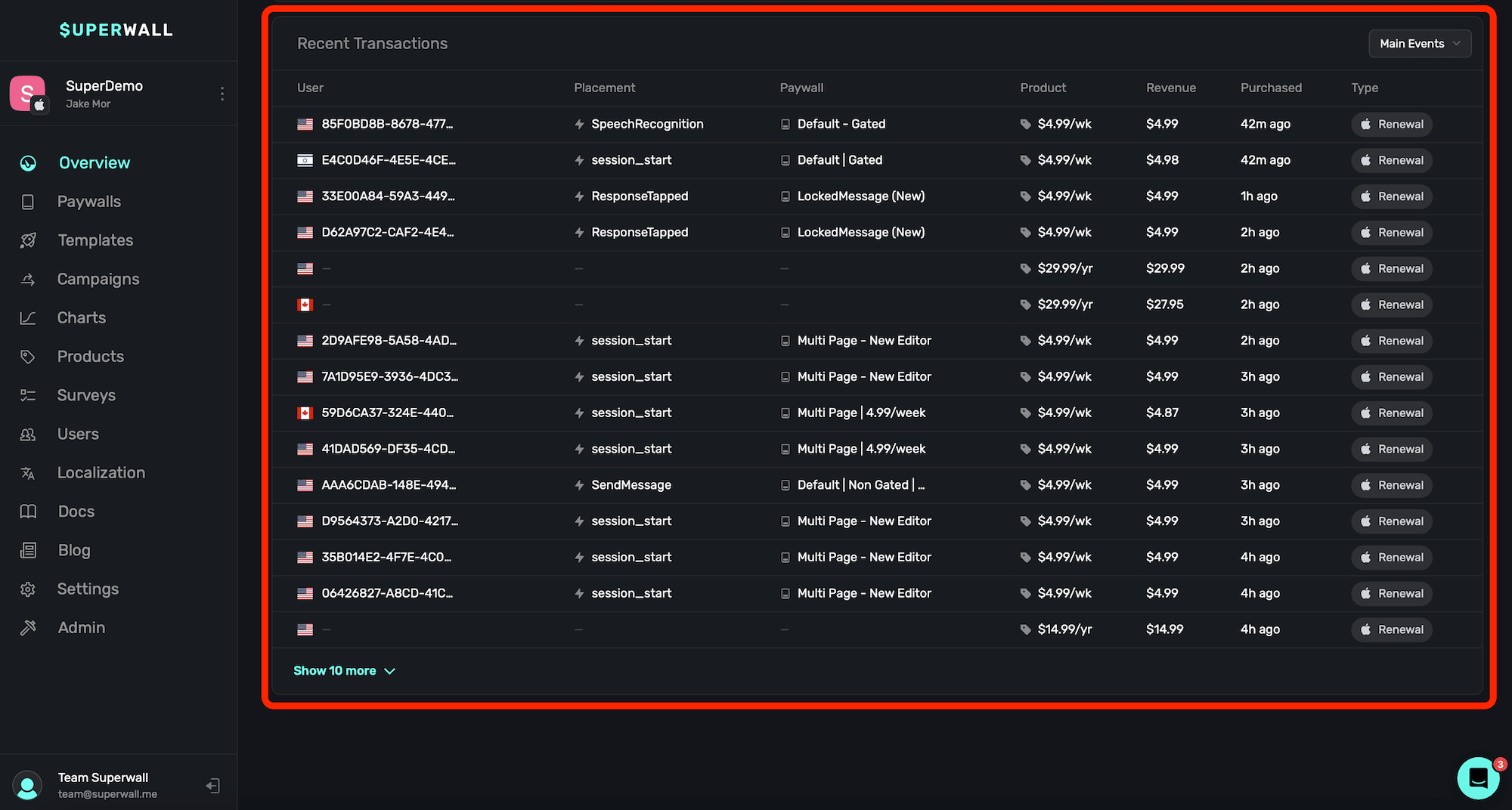
This is useful if you are using Superwall solely for revenue tracking, and you're making purchases using frameworks like StoreKit or Google Play Billing Library directly. Observer mode will also properly link user identifiers to transactions. To enable observer mode, set it using SuperwallOptions when configuring the SDK:
let options = SuperwallOptions()
options.shouldObservePurchases = true
Superwall.configure(apiKey: "your_api_key", options: options)
There are a few things to keep in mind when using observer mode:
- On iOS, if you're using StoreKit 2, then Superwall solely reports transaction completions. If you're using StoreKit 1, then Superwall will report transaction starts, abandons, and completions.
- When using observer mode, you can't make purchases using our SDK — such as
Superwall.shared.purchase(aProduct).
For more on setting up revenue tracking, check out this doc.
How is this guide?
Request permissions from paywalls
Trigger the iOS system permission dialog directly from a Superwall paywall action.
Purchasing Products Outside of a Paywall
Buy products outside a paywall with Superwall's purchase method on iOS, using StoreKit 1, StoreKit 2 or StoreProduct, then read the PurchaseResult.