Monthly Billing Plans for Annual Subscriptions
Sell an annual App Store subscription as 12 monthly payments with Superwall. Add Apple's monthly billing plan to the product, choose monthly installments or up-front billing per paywall, and compare the two in charts.
Apple lets an annual App Store subscription offer a monthly billing plan: the customer commits to 12 months and pays monthly instead of all at once. In Superwall, the same annual product can show as monthly installments on one paywall and as an up-front annual price on another, so you can test which one converts better.
Requirements
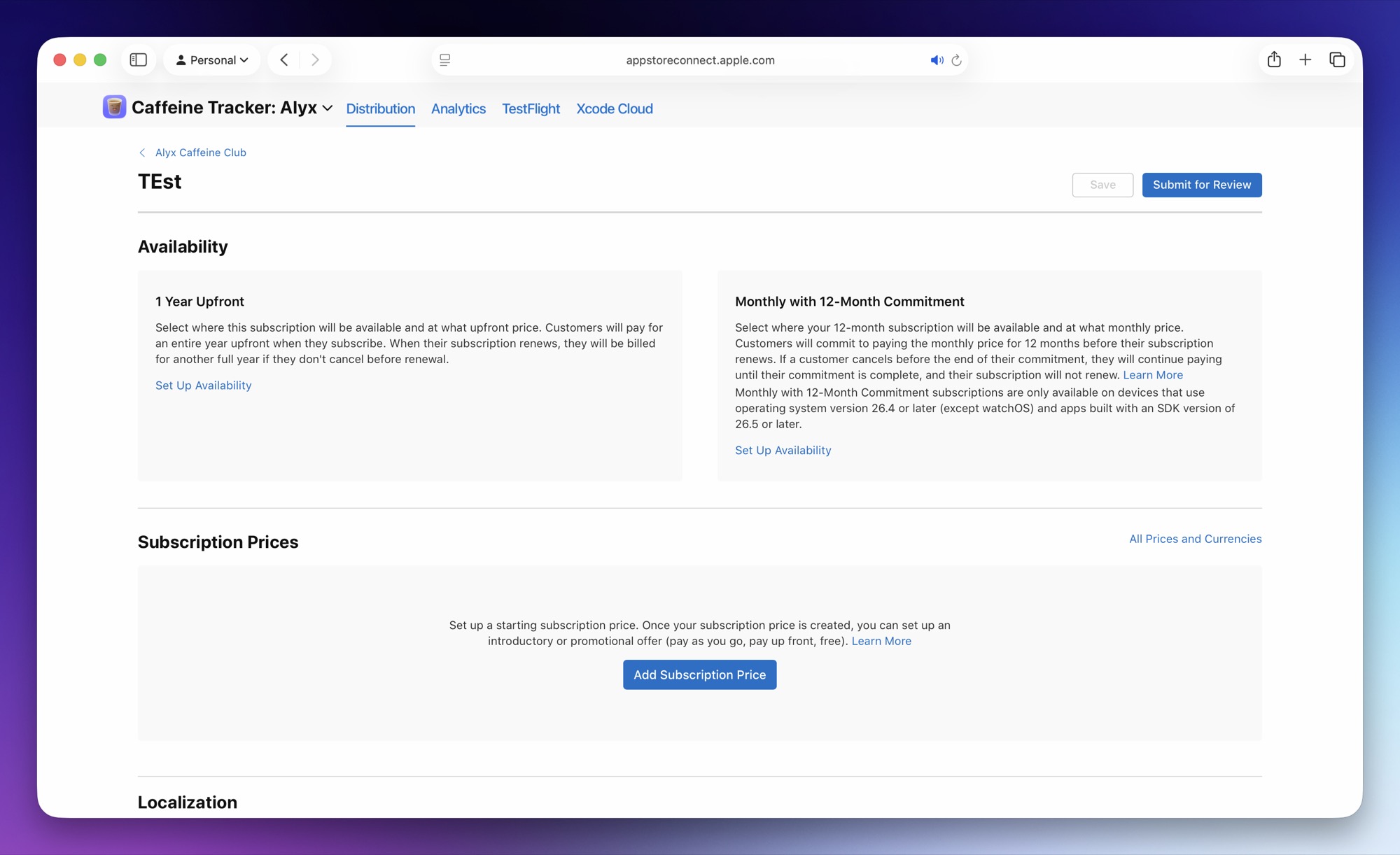
- An iOS App Store subscription with a period of 1 year, with the monthly billing plan set up in App Store Connect.
- iOS SDK 4.16.0 or later.
- Users on iOS 26.4 or later. On earlier versions, StoreKit uses Apple's default billing plan for the product.
Add the plan to the product
- Open the iOS App Store product in Products.
- Make sure Period is set to 1 year.
- Click Add monthly billing plan.
- Enter the Monthly price.
- If the monthly plan has its own introductory offer, configure Monthly trial.
- Click Save.
The Monthly price and Monthly trial are used for previews in the paywall editor. On the device, the SDK reads the plan's price from StoreKit, so customers see App Store localized pricing.
Choose the billing plan on a paywall
After you add the product to a paywall, its product entry shows a Billing plan control:
| Option | What it does |
|---|---|
| Monthly installments | Presents Apple's monthly billing plan where available. This is the default for products that offer a monthly billing plan. |
| Up-front | Presents the up-front annual billing plan for this paywall slot. |
The choice is stored per paywall product slot. To test monthly installments against up-front billing, use two paywalls with the same product and different billing plans in one experiment.
Write copy for both plans
Each annual product with a monthly billing plan has two extra variables:
| Variable | Values | Use it for |
|---|---|---|
billingPlanType | MONTHLY, UP_FRONT, or empty | Showing which plan the product will use when Apple can honor it. |
isBillingPlanAvailable | true or false | Hiding monthly-installment copy when the selected billing plan is unavailable on the user's device or storefront. |
For example, use products.selected.isBillingPlanAvailable with a dynamic value before showing copy such as "Billed monthly for 12 months."
When the plan isn't available
The SDK applies the selected plan when the user purchases, through StoreKit 2. If the user's device or storefront can't use the monthly billing plan, StoreKit falls back to Apple's default billing plan for the product. Hide installment-specific copy with isBillingPlanAvailable so the paywall matches what the user is charged.
Compare the plans in charts
Supported revenue charts can be broken down by Billing Plan Type, to compare monthly-installment revenue against up-front annual revenue.
Related
How is this guide?
Restoring Purchases
Let users restore App Store and Google Play purchases with Superwall: add a Restore button to a paywall, call restorePurchases() from your app, customize the failure alert, and restore with a purchase controller.
Countdown Timers on Paywalls
Add a live countdown timer to a Superwall paywall with Liquid: count down from when the paywall opens, from install, or to a fixed sale end date, and hide the offer when time runs out.