Paywalls & Flows
Create, preview, duplicate, and archive paywalls and flows for the selected app.
The Paywalls & Flows section shows the paywalls and flows created for the selected app. Use this page to create new paywalls or flows, open existing ones, preview them, duplicate them, or archive them.
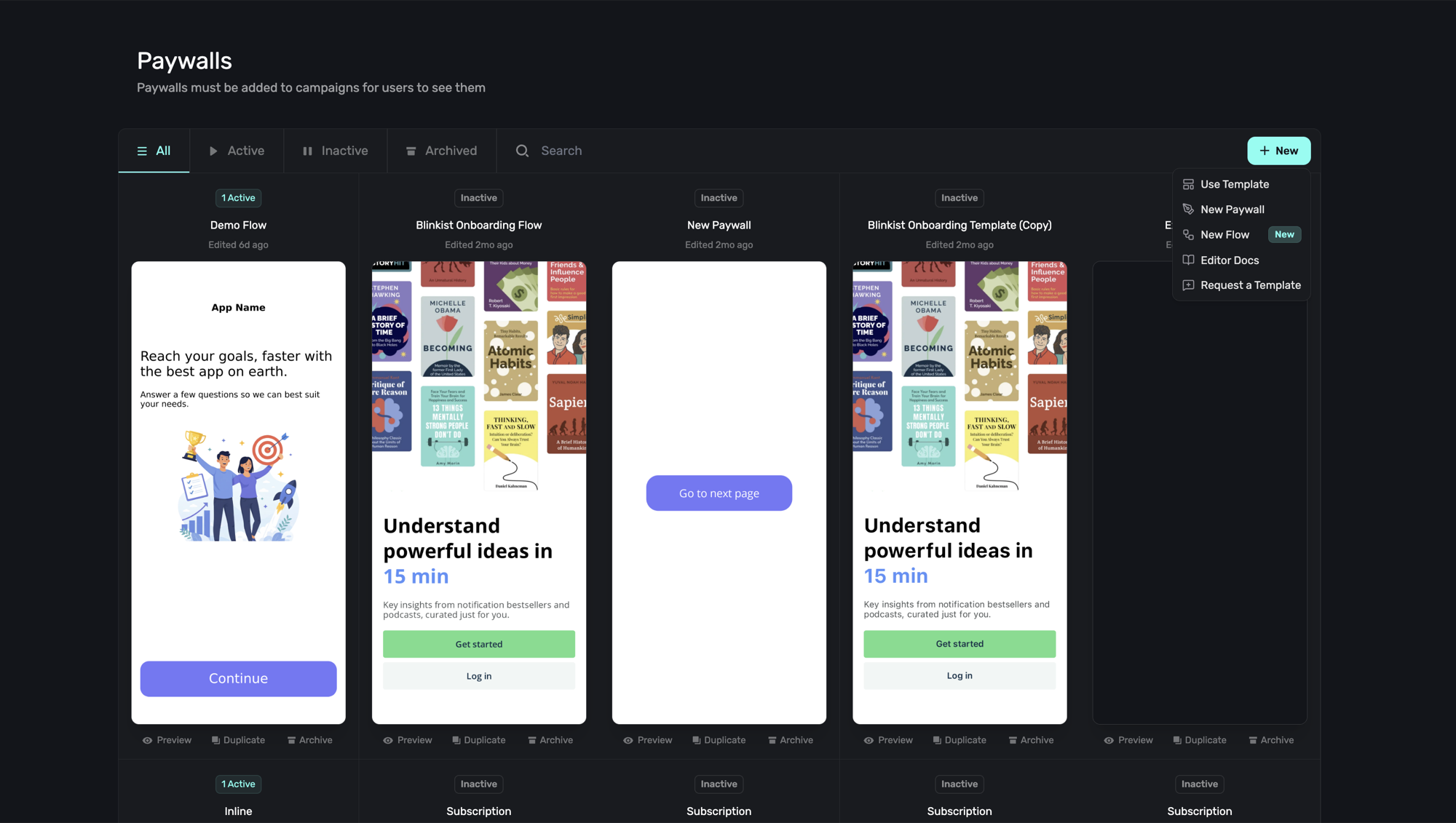
Campaign results are no longer viewed from this page. To review experiment performance, recent transactions, or paywall results, open the relevant Campaign instead.
Browse paywalls and flows
Each card represents a paywall or flow in the selected app. The card shows its name, current status, last edited time, and a preview of the experience.
Use the status filters at the top of the page to narrow the grid:
| Filter | Description |
|---|---|
| All | Shows every paywall and flow for the selected app. |
| Active | Shows paywalls and flows currently attached to active campaign traffic. |
| Inactive | Shows paywalls and flows that are not currently serving through an active campaign. |
| Archived | Shows paywalls and flows that have been archived. |
| Search | Finds paywalls and flows by name. |
Archived paywalls and flows can be restored at any point.
Manage an existing paywall or flow
Below each card, you can:
- Preview the paywall or flow.
- Duplicate it to create a copy.
- Archive it when you no longer want it shown in the main grid.
Click the card itself to open it in the editor.
Once a paywall is open, you can also use AI Chat Builder to build or refine the draft, or Editor MCP to connect an external AI agent to the live editor session.
Create a paywall or flow
Click + New at the top-right of the page to open the creation menu:
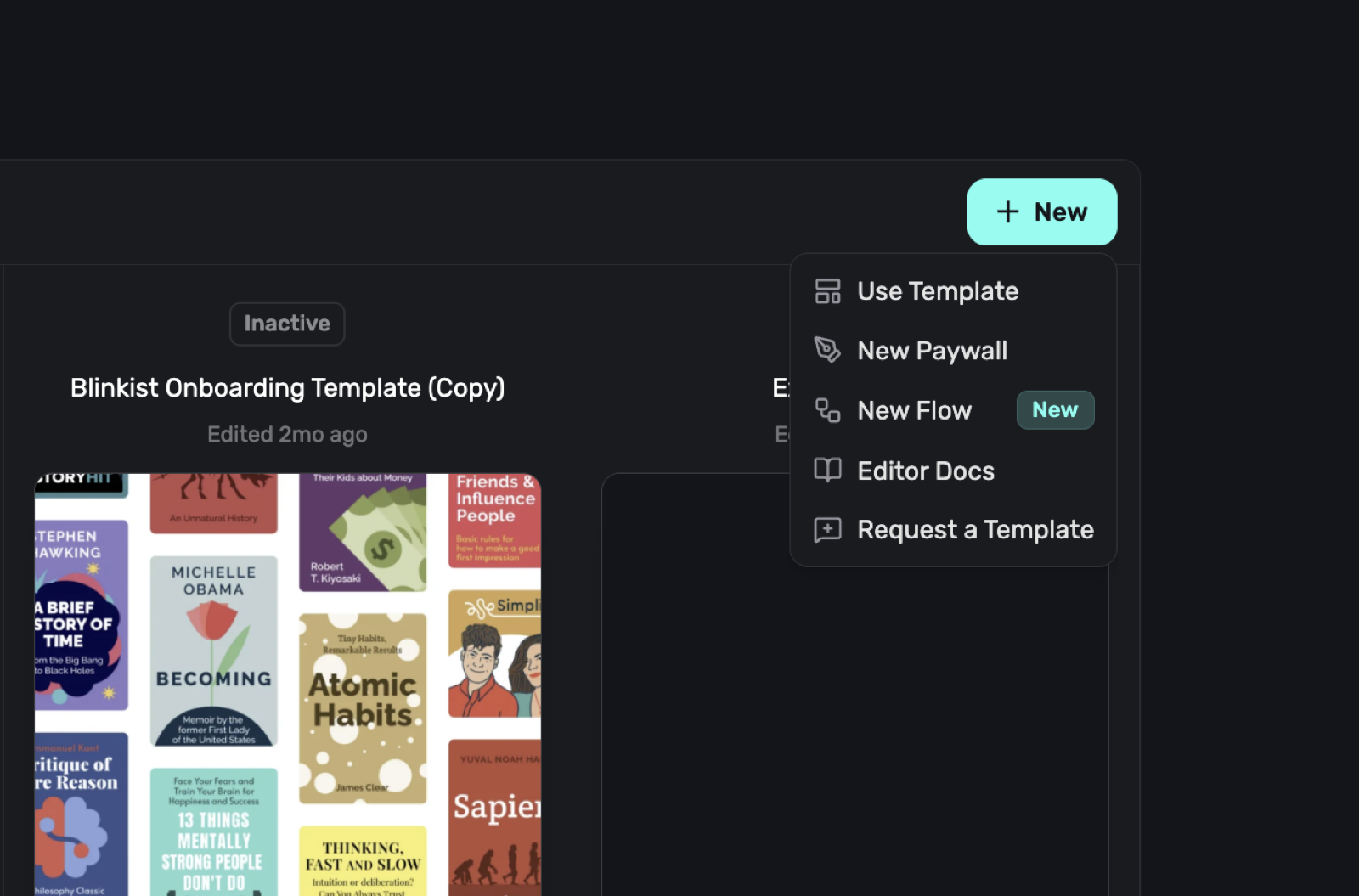
The menu includes:
| Option | What it does |
|---|---|
| Use Template | Opens the template gallery so you can start from a prebuilt design. |
| New Paywall | Creates a blank paywall. |
| New Flow | Creates a new flow for multi-step experiences. |
| Editor Docs | Opens the editor documentation. |
| Request a Template | Lets you ask the Superwall team for a template. |
For a walkthrough of the paywall editor, start with Creating Paywalls. For flows, start with Getting Started with Flows. To build a paywall as code with a coding agent instead, see the Superwall Framework.
View results in campaigns
Paywalls and flows are created here, but performance is reviewed in campaigns. Open the campaign that presents the paywall or flow, then use the campaign views to inspect audiences, experiments, transactions, and results.
For more, see Campaigns, Audiences, and Understanding Experiment Results.
How is this guide?
Overview
The Overview page gives you a holistic look at how your app is performing, complete with easy-to-find key metrics and top-level campaign data.
Templates
Use our template library to jump-start your paywall design process. Either plug in your products, switch them up to fit your needs, or remix them altogether.