Autoscroll Component
Add an autoscroll component to a Superwall paywall for marquee-style content that scrolls on its own. Set its width, add content and control scroll speed.
Adding an autoscroll component
The autoscroll component was built to make creating marquee-like content easy. To use the autoscroll component:
- In the left sidebar, click + to add a new element.
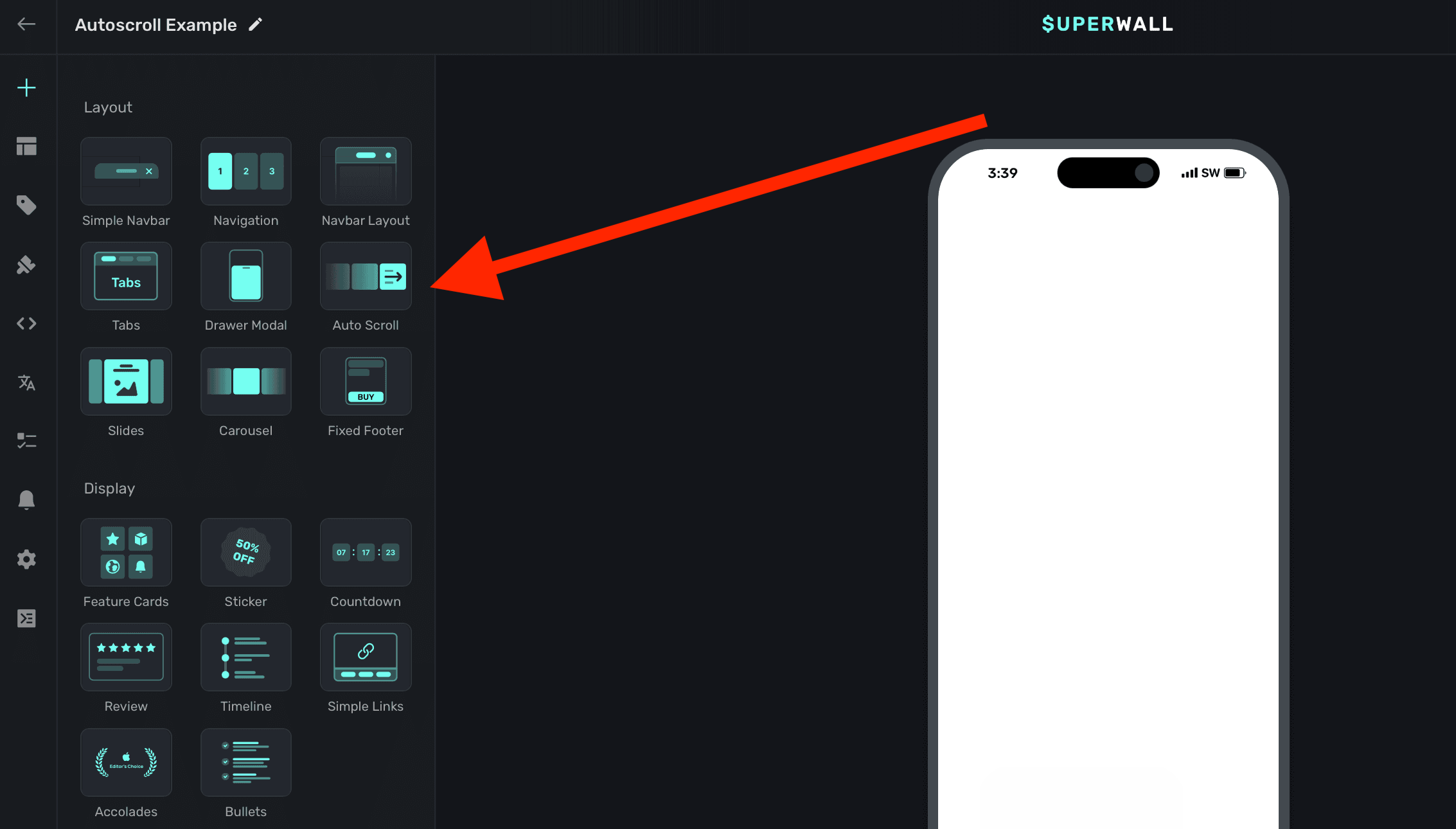
- Choose Autoscroll under the "Layout" header.
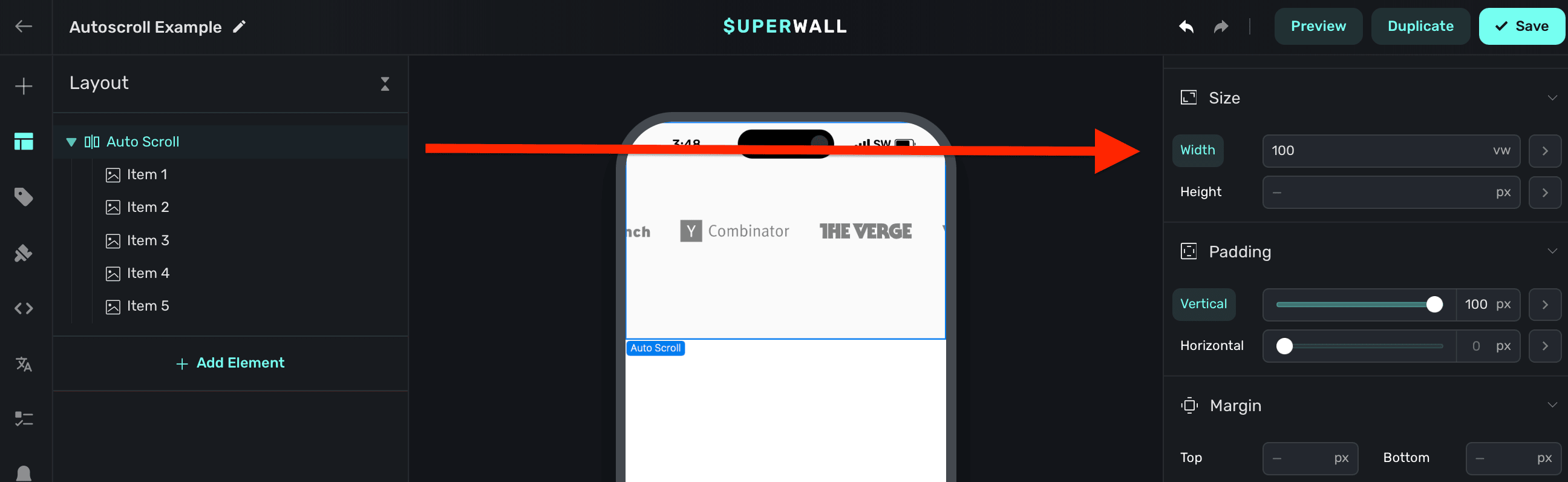
The autoscroll component requires an explicit width set. Generally, setting this to 100% of the viewport's width works well. This is also the default size set:
Adding contents to autoscroll
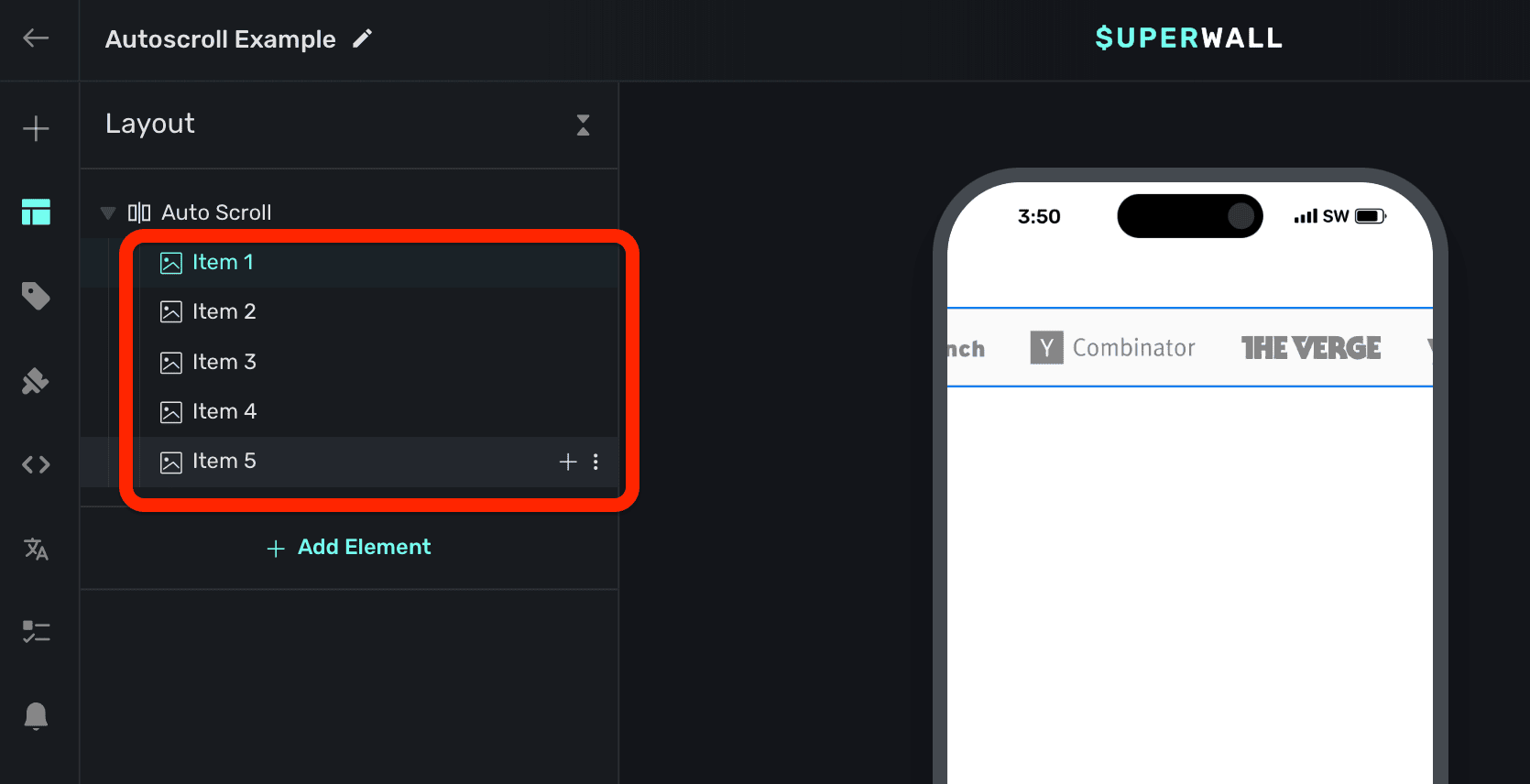
The autoscroll component has a few demonstration items added to it by default. You can remove these and add your own content:
Controlling scroll speed
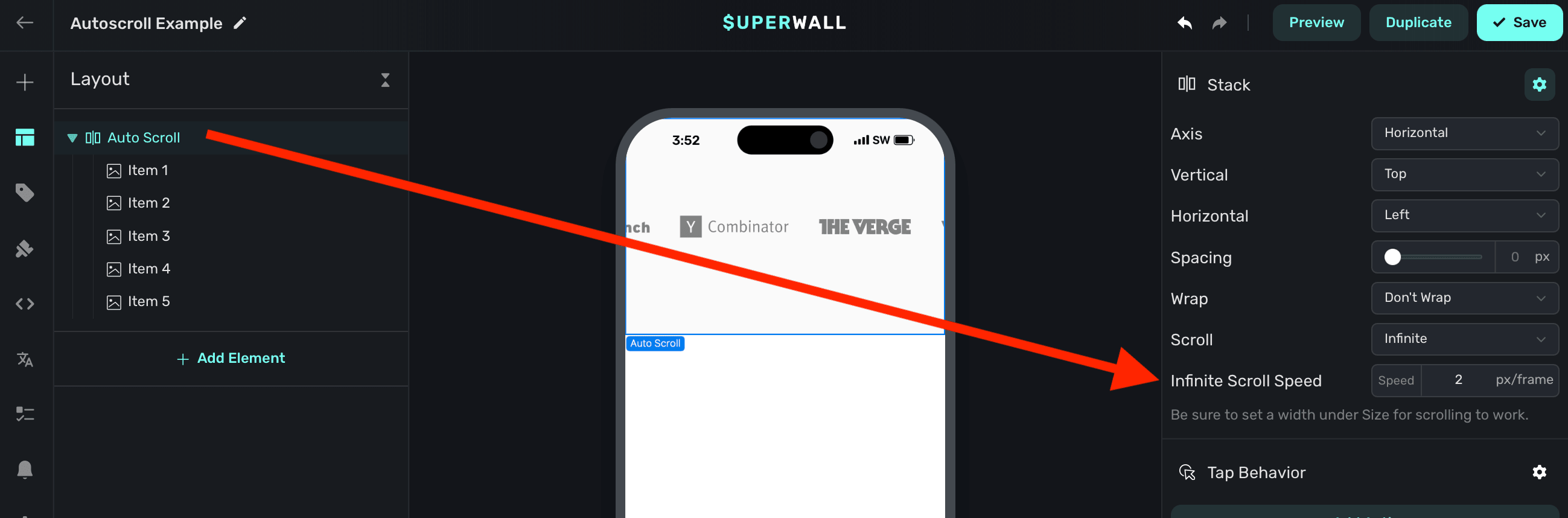
To control the scrolling speed, change the Infinite Scroll Speed property when the autoscroll component is selected. When it's first added, this value is intentionally set low so you can configure the component first. Change this to a higher value to see its content scroll:
How is this guide?
Slider
Add a slider to a Superwall paywall or flow so users can pick a number or scrub progress. Set range, step size and orientation, then use its value variable.
Slides
Add a gesture-driven slides component to a Superwall paywall for horizontal or vertical slides. Add content and use its Child Page Index variable to control it.