Publishing Paywalls
Publish a Superwall paywall to make your edits live, then attach it to a campaign so users can see it. Unpublished changes are saved locally in the meantime.
To set your paywall live, click the Publish button in the top-right side of the editor:
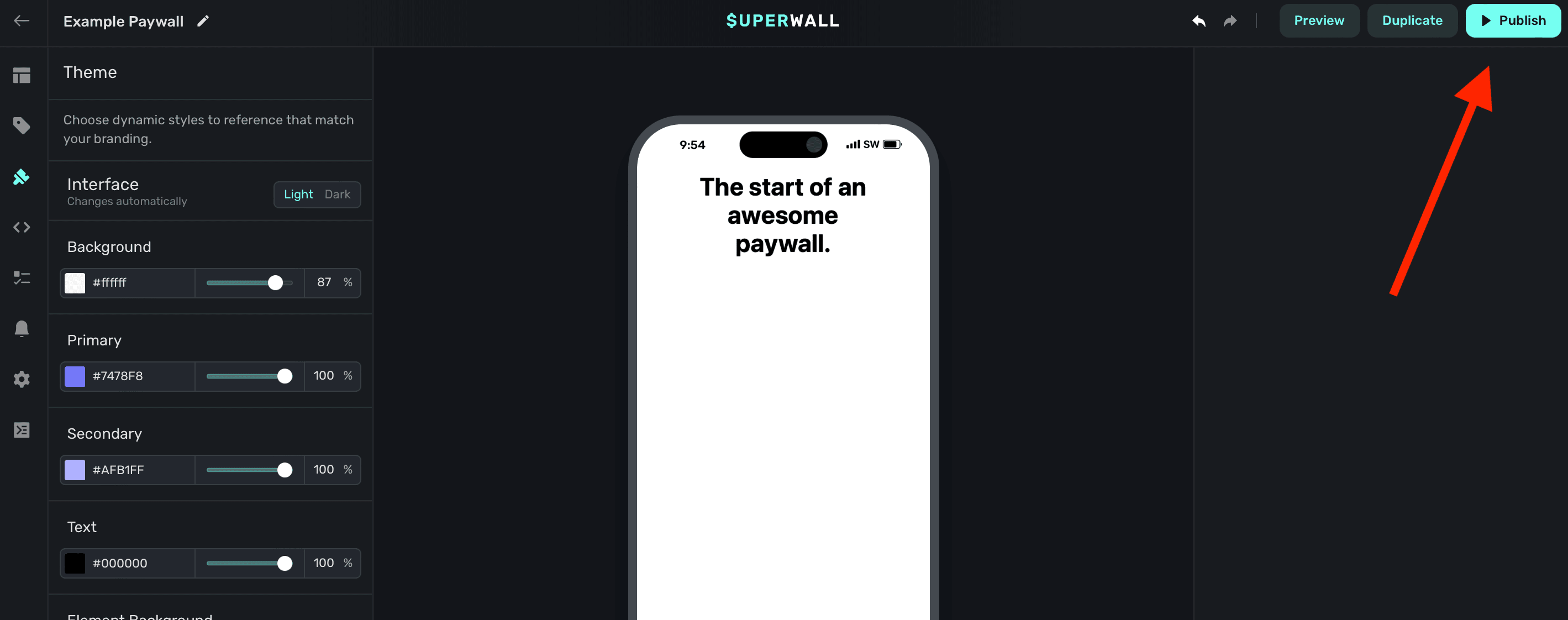
Setting your paywall live doesn't necessarily mean that users will see it. You'll first need to associate a paywall with a campaign. From there, either a user is matched to an audience filter or a placement is evaluated which results in a paywall being presented.
Changes you make are saved locally, even if you haven't published the paywall. Refreshing won't erase progress if you close the tab and come back later, unless you sign out.
How is this guide?
Floating Toolbar
Switch between Legacy, Device and Flow views with the Superwall editor's floating toolbar, change device and orientation, open variables and zoom the canvas.
App Store Screenshot
Download a screenshot of your paywall sized for App Store Connect, ready to attach to a subscription's review information.