Settings
Advanced Settings
Disable Superwall to stop all paywalls and placement evaluation for an app, or permanently delete the app, from the Advanced section of Settings.
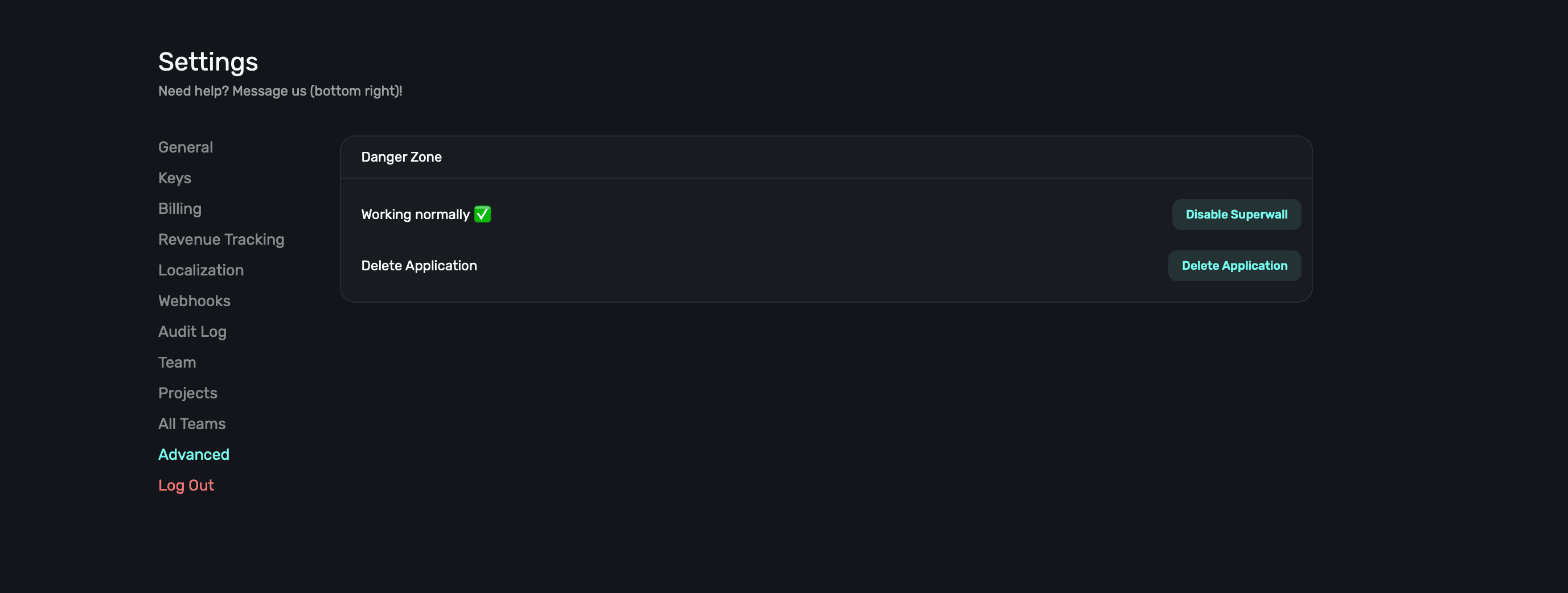
In the Advanced section within Settings, you can view system health and remove your app:
Disabling Superwall
If you'd like to temporarily disable Superwall, click the Disable Superwall button. You can later resume it, but disabling Superwall stops all paywalls from being presented or placements being evaluated.
Removing your app
To permanently remove your app from Superwall, click the Delete Application button. You cannot undo this action.
How is this guide?