Settings
All teams
View every team in your Superwall account from the All Teams section of Settings, and switch between them with a quick filter or the Command-K shortcut.
In the All Teams section within Settings, you can easily view each team that's part of your Superwall account:
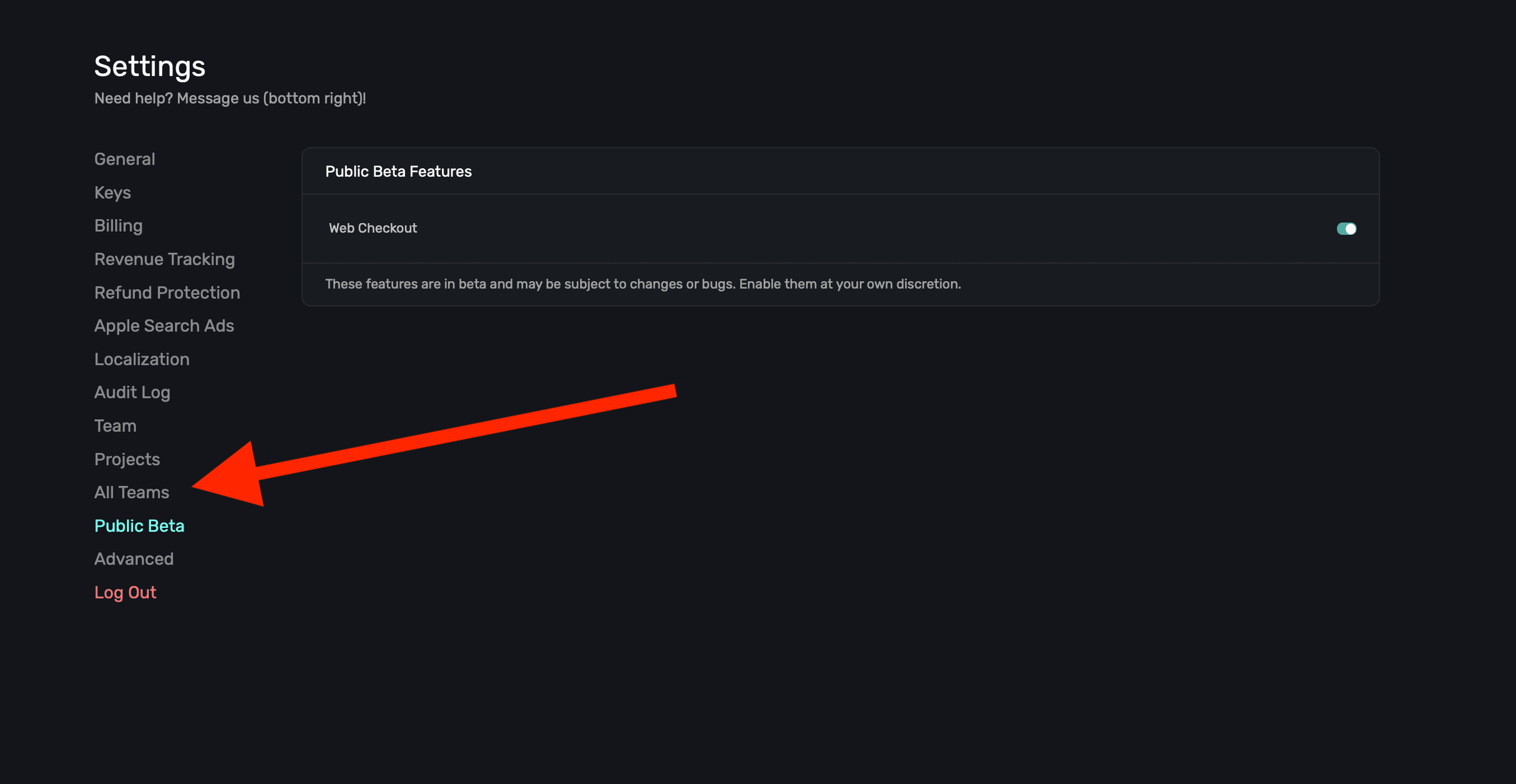
When you click on that link, a modal appears to quickly filter through available options:
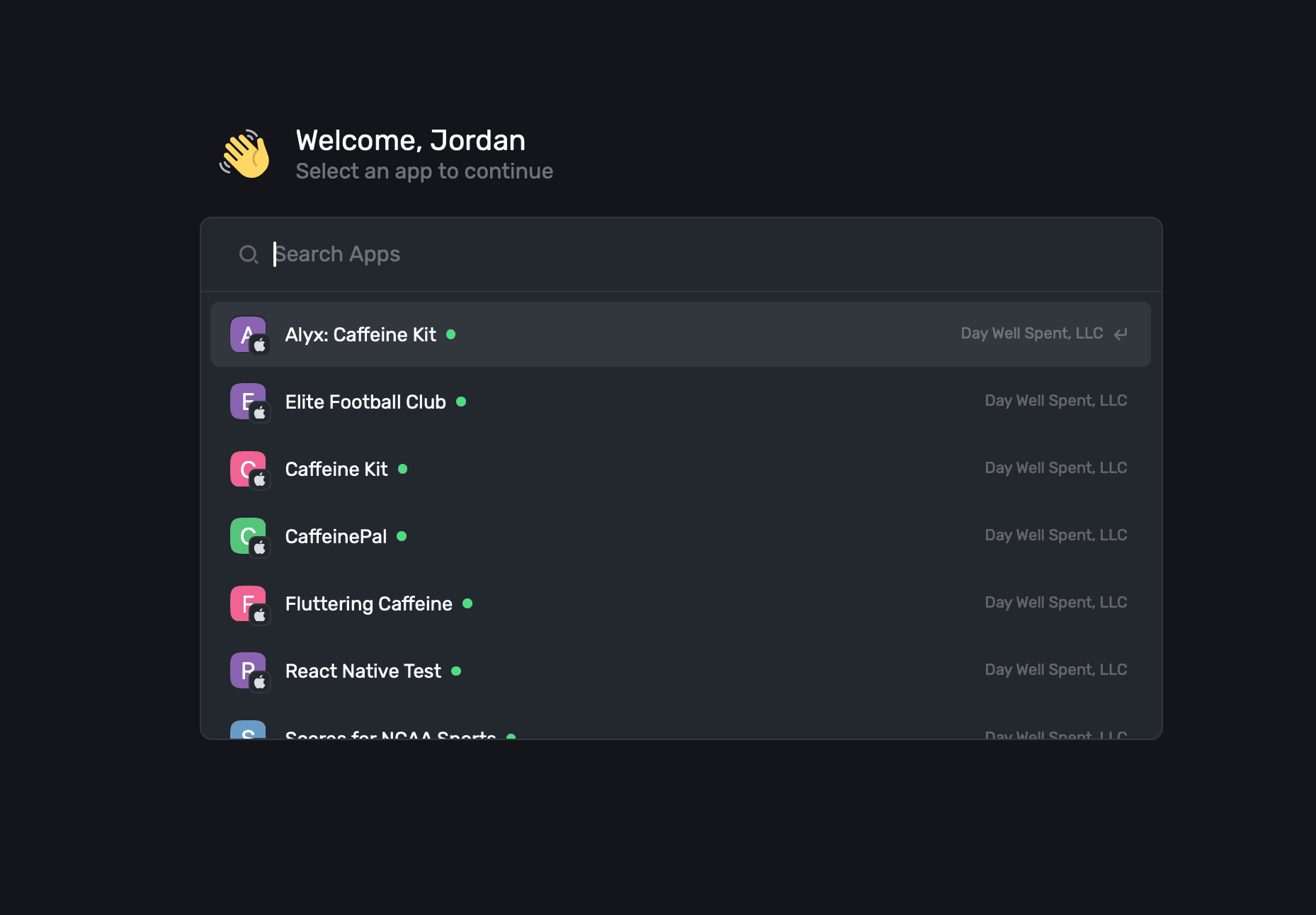
You can also activate this by using the ⌘+K keyboard shortcut.
How is this guide?
Projects
Group your iOS, Android and web apps into a Superwall project, add platforms to it, and transfer a project and all its apps to another organization.
Public Beta
Turn on Superwall beta features for your account from the Public Beta section of Settings. Beta features can still have bugs, so use them with care.