API Keys
Copy your Superwall public API key to configure the SDK, and check session starts by SDK version and app version from the last seven days to debug issues.
In the Keys section under Settings, you can easily view or copy your API key, view session starts by the last seven days, and app version sessions from the last seven days.
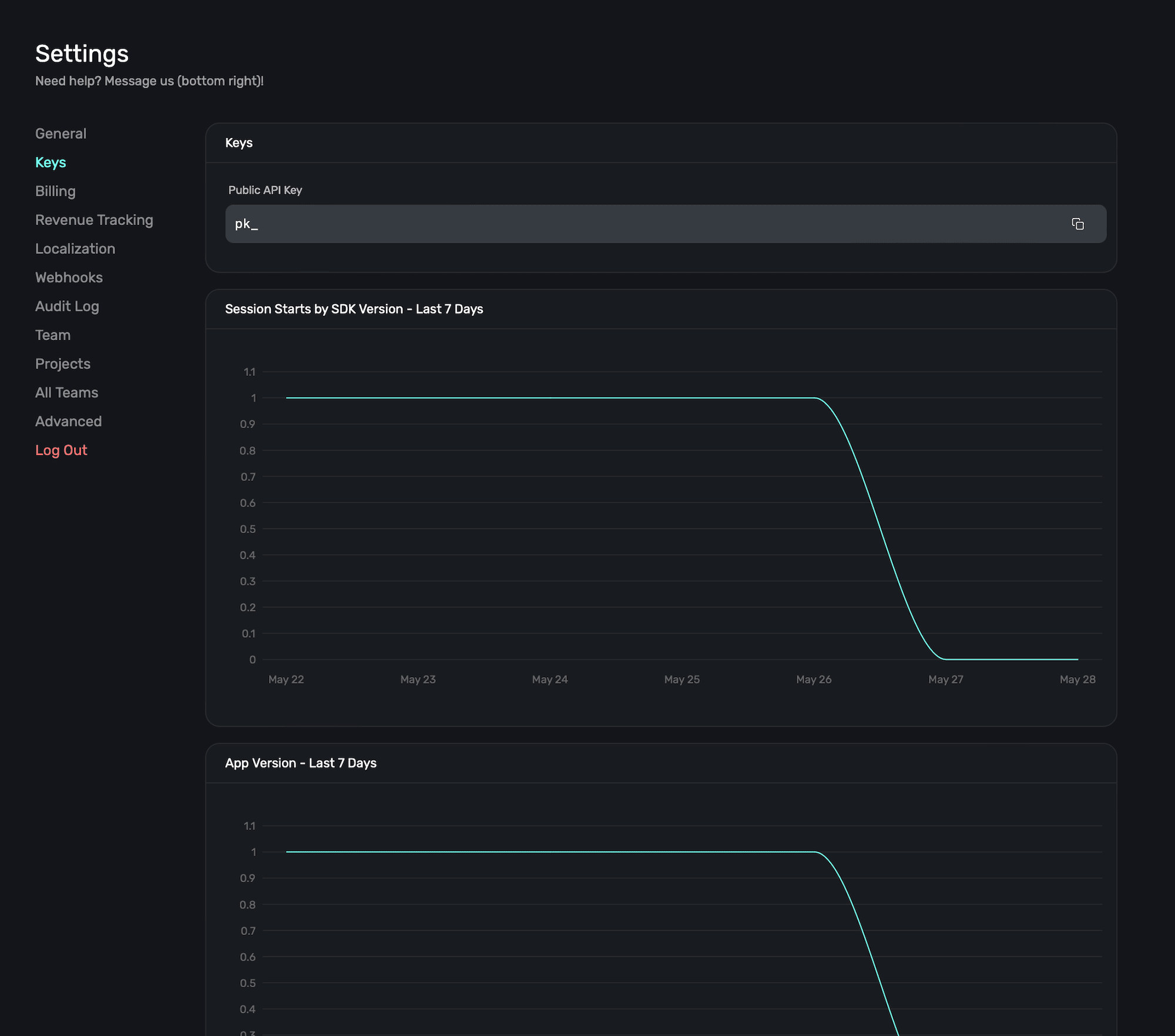
API Key
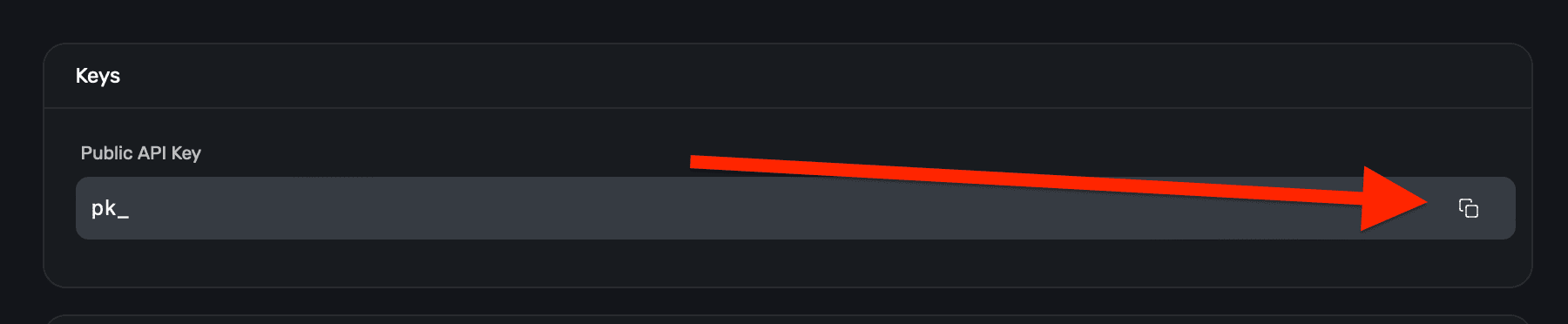
You'll use your API key to initialize the Superwall client in your apps. Each one is prepended with pk_ and then the identifier. To easily copy it, click the Copy icon on the right-hand side:
These are public SDK keys used to configure Superwall in your app. For scoped organization API keys used by servers, CI jobs, or other backend automation, use Access Controls.
Session starts by SDK version
Use the session starts by SDK chart to see how many sessions are being started, split out by the SDK version of Superwall.
This helps debug any potential issues that may occur by comparing sessions against the version of our SDK users are on. Of course, if your issue appears to be related to Superwall's SDK — always feel free to reach out so we can investigate.
App version
Similarly, the app version chart helps you narrow down issues by showing sessions split out by app versions. If the use of our SDK didn't change, but your app version did, and an issue is occurring — then it may related to your app specific logic.
How is this guide?
Organization
Rename your Superwall organization and manage the App Store Connect keys it keeps for your Apple teams: add, replace or remove keys and see who can view them.
Billing
Check your Superwall plan, next invoice and card on file, and open Stripe's billing portal to update your card, billing details or plan.